How CGI best practices formed the Plnty Seedance Director
The Director is built on the fundamentals of CGI product shots, learned over years in traditional 3D tools: a camera that moves with intent through each shot, and light that behaves the way image-based lighting (IBL) makes it behave, wrapping the product in a real environment and sliding its reflections across the surface. A diffusion video model has neither a camera nor a light to set. The Director translates both into terms the model has learned from footage, and this is how that translation was built.
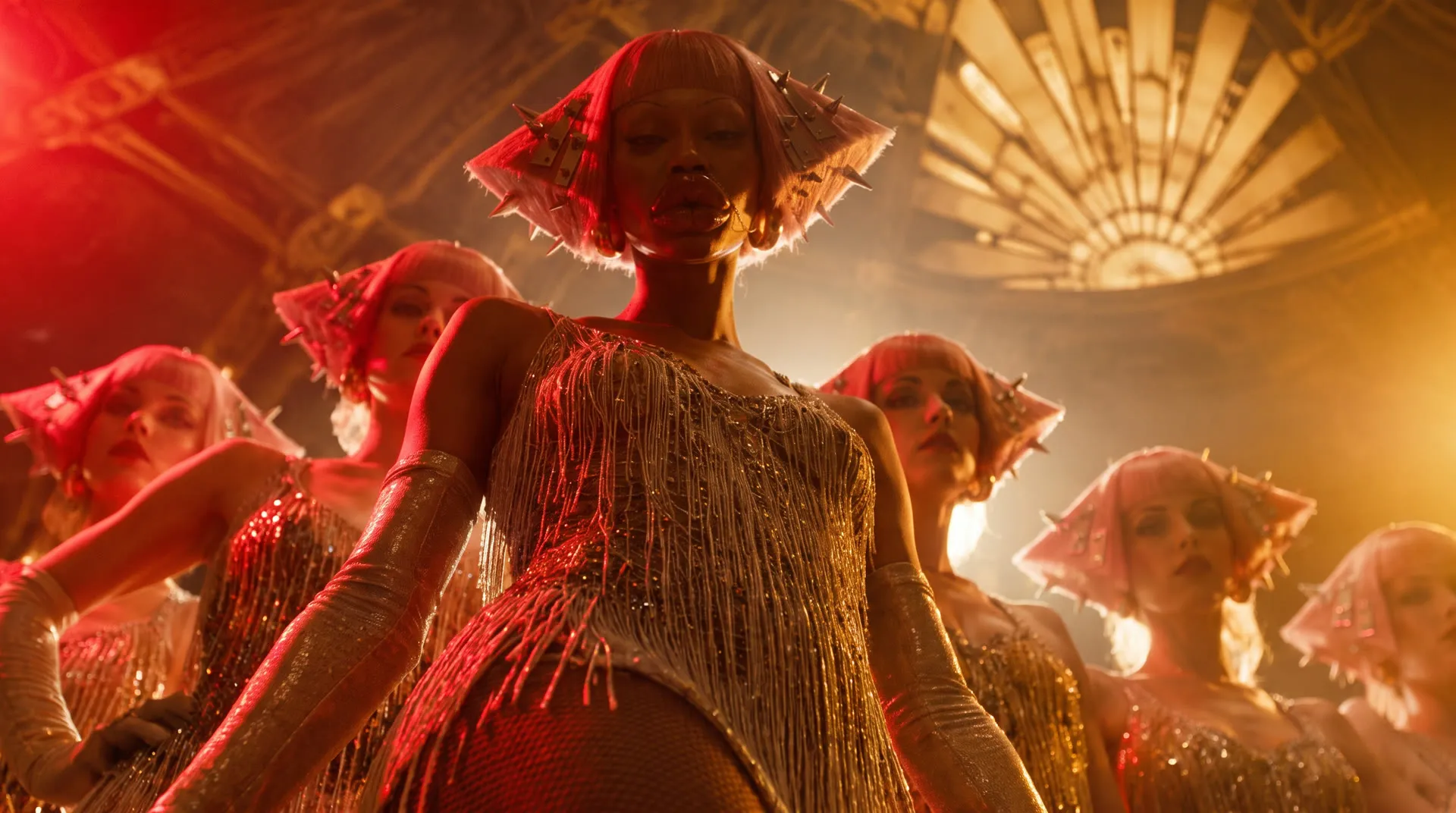
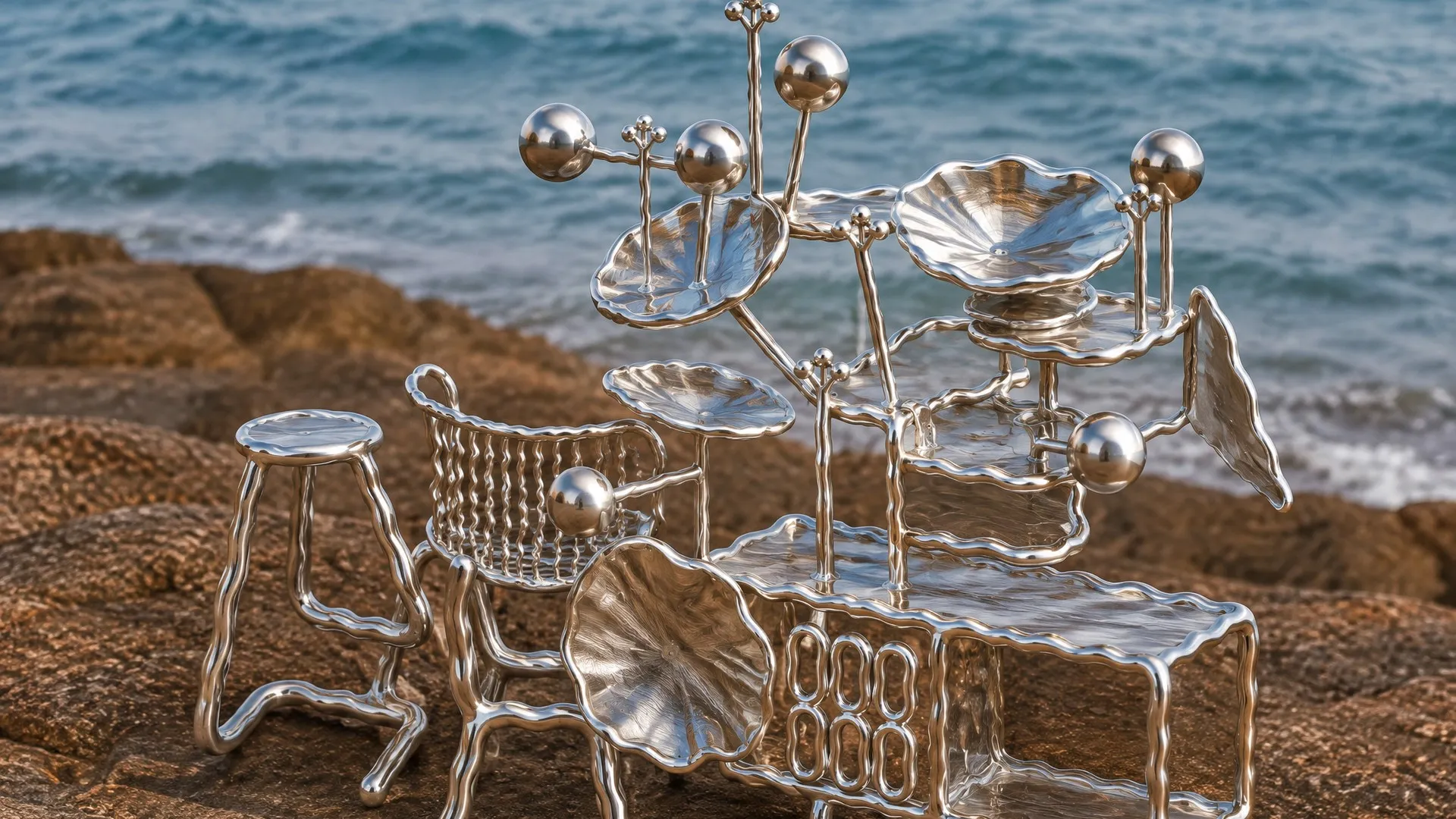
Product films from Plnty creators
01 / Studio
CGI product film best practices
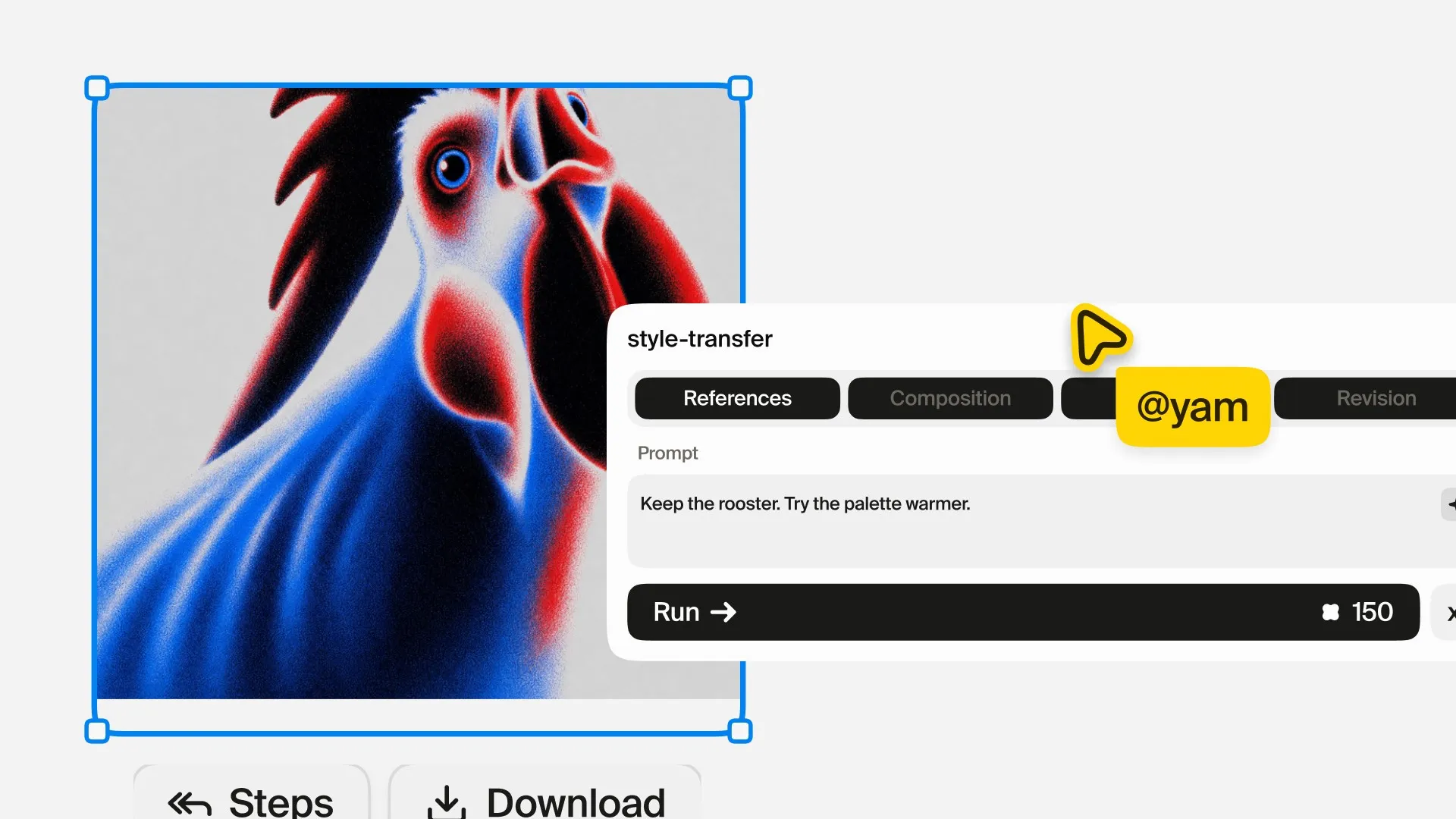
The Director was developed by Yam Ben Adiva, who founded Yambo Studio in 2014 and still runs it as its creative director. The studio is a 3D design studio specialising in CGI world-building and advertising: launch films, motion campaigns and key visuals for brands such as MSI, SafePal and Brightroom, made in traditional 3D packages such as Cinema 4D with freelance artists brought in for each production. A project there moves through the stages of a CGI pipeline. The product is modelled or taken from the brand's CAD, its materials are developed until the metal, glass or glaze reads correctly, an environment is chosen to light it, and the film is planned shot by shot before anything renders: where the camera starts and where it travels, and how long each shot holds before the cut.
A few principles came back on every job. Each shot carries one camera move, and the framing changes inside it, from wide to close or from close to closer. The light moves, because a reflection travelling across a surface is what tells the eye the surface is real. And the film holds the whole product back, opening on detail and revealing the object last. Each of these is a decision a 3D artist makes with a keyframe or a rotation value, and each had to be rewritten for a model that takes words and pictures instead.
Expert view
When building the Plnty tools, among them the Close-ups or Director, I was literally aiming to achieve the quality of the results we are having and still producing at the Studio, and it's incredible to see how we managed to manipulate certain models to actually stay consistent within the results and deliver high-quality, CGI-like deliverables through the advanced AI models we have nowadays.
02 / Camera
Camera movement prompt control
In a 3D package the camera is an object with a position, a target and a path, and its moves have names that come from the film set: a push in, a truck to the side, a pedestal or crane move, an orbit around the subject. A diffusion video model has no camera object. It has learned what those moves look like from the footage it was trained on, and it is steered through its inputs. Research models can be conditioned on the camera's pose frame by frame (CameraCtrl does this as a plug-in to a video model); a production model like Seedance takes text and reference images, so the camera has to arrive as language.
Every shot on the Director's stage carries an arrow for that reason. Drag it and it turns like an orbit in a 3D viewport: left and right set the direction, up and down set the height, and pulling the ring wider makes the move longer. Under the picture the card prints the move in the cinematographer's vocabulary, and those are the words it sends to the model.
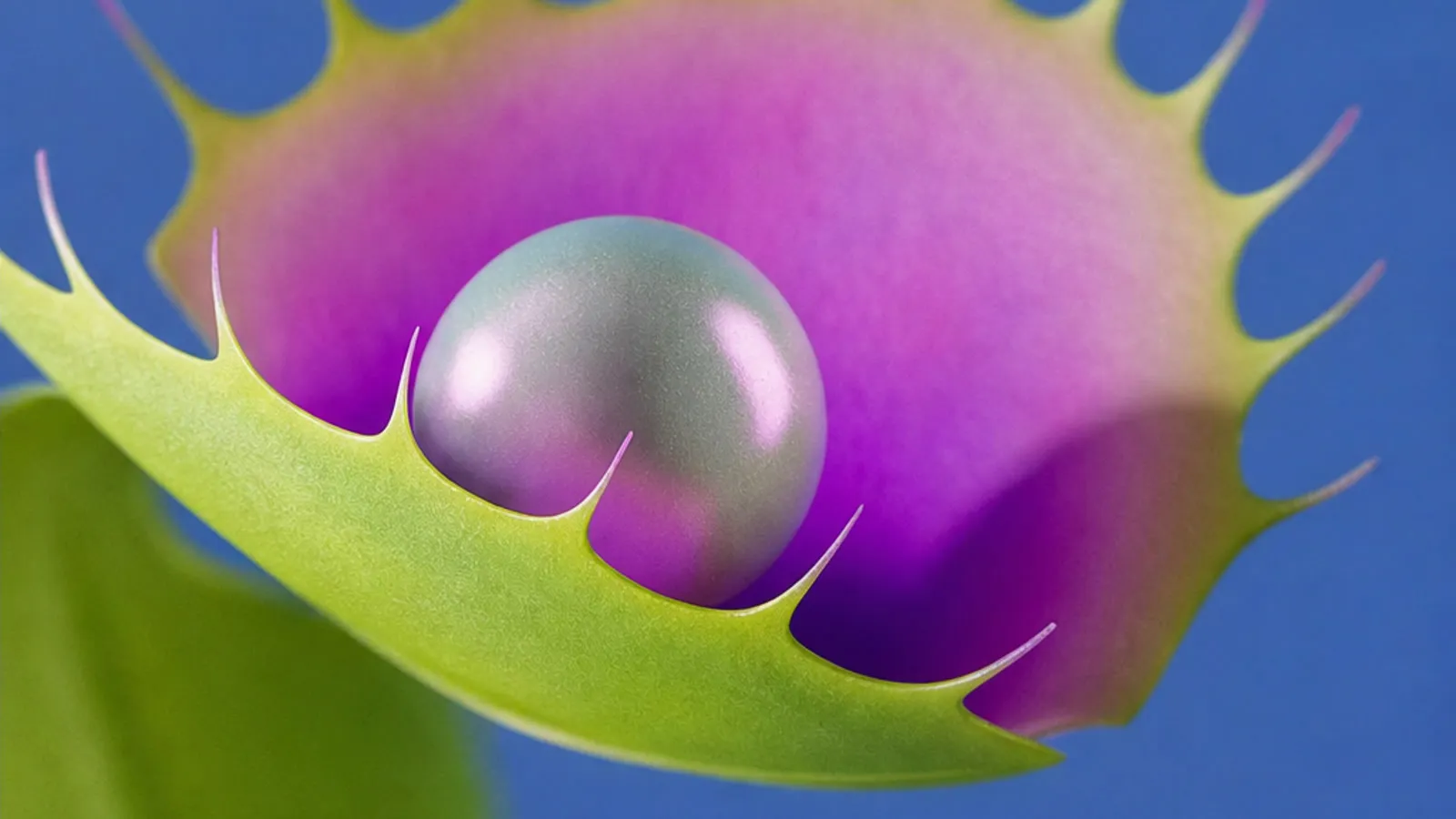 Shot 1 · Hero
pushing in and right while rising, a decisive move
0-3s @Image1 HERO: the pearl inside the trap, lilac lashes on a cobalt sweep. Camera: pushing in and right while rising, a decisive move.
From camera move to prompt
Eight directions, three heights, four speeds
The arrow resolves to eight directions, the vocabulary of a dolly and a slider: pushing straight in, pushing in and right, tracking right, pulling back and right, pulling straight back, pulling back and left, tracking left and pushing in and left. Lift it and the move rises; drop it and it descends; past 78 degrees it becomes a crane, straight up over the frame. The ring's reach sets the pace: barely moving, a measured move, a decisive move or a fast sweep. A continuous vector becomes a small set of named moves because named moves are what the model has seen labelled.
One line per shot
Each shot becomes one line: its seconds, its picture, a short description of what is in it, and its camera. A writing model then turns the reel into seven blocks a director would recognise: the look, what must not change, continuity, light, motion, the shots and the constraints. It works from a fixed rig vocabulary (gimbal, steadicam, locked-off tripod, handheld), uses at least two different moves in a reel, never runs one move for more than two shots in a row, and keeps the word dynamic for a fast sweep.
Camera speed and transitions
In animation software a move is shaped by its easing curve, and editors cut on motion so the eye carries across the join. Camera speed brings both to the card. Constant holds one even speed through every move. Builds into the cut eases in and is fastest as the shot ends, so the cut lands inside the motion. Transitions sets how the shots join: Cuts, One shot, or a Mix of both.
03 / Light
HDRI rotation for Seedance AI models
Product renders are lit with image-based lighting. An HDRI is a 360 degree photograph of a real place that keeps its true range of brightness, so a window or the sun in it is many times brighter than the walls around it. Mapped onto a dome around the scene, it lights the product and is reflected in it, and a graphics card on a rock reflects the rock and the sky. Rotating the dome during a shot moves every highlight across the surface together, with real depth. Lighting artists rotate the environment rather than move the camera to place a reflection, and the travel of those reflections over curved metal and glass is what makes a CGI product read as made of something.
How diffusion models read light
A diffusion model does not trace rays or evaluate an environment map. It has learned how light behaves from the images and footage it was trained on: how reflections slide when the world around a glossy object turns, how a soft shadow drifts across a matte one. Research such as NVIDIA's DiffusionRenderer shows how much of that a video model holds, recovering geometry and materials from real video and rendering them again under new light. The Director writes to that learned prior. It names the cause, a rotating HDRI environment, rather than the effect, and it rules out the shortcuts by name: not a painted highlight, not a sliding white streak. Asked for a highlight, a model tends to paint one; asked for a turning environment, it tends to move the whole reflected world together.
Light movement sets how far the environment turns across the film, in five steps: Fixed, Subtle, Pronounced, Strong and Brisk sweep. On glass and chrome it reads as reflections gliding; on matte plastic, as soft light drifting over the form with its shadows following.
04 / Close-ups
Close-ups for product detail
A product film is shot in coverage: the wide shot that establishes the object, and the macro and detail shots that carry its material. Close-ups produces that coverage from one product picture, returning four crops on GPT Image 2 at up to 4K, macro views of the texture and detail views of its parts. It crops into the object you gave it and keeps its colour, material, proportions and finish, so the four belong to one product under one light.
Select the four cells and the Director opens with a shot for each, three seconds apiece. The film opens close and holds the product back until the last shot, the studio's reveal from the first chapter. The crops also give the video model more evidence to hold the product to: four close views of the surface in place of one distant one.
Shot timing in Seedance prompts
Seedance reads a shot list as a timeline of budgets rather than frame-exact cuts. Each shot is a time range and a picture. Cut scene to starts a new shot; continuing the same take carries the camera through, the way a single camera path would in a 3D scene. The Director keeps the reel within what the model can make, 15 seconds on Seedance 2.0 and 30 on Seedance 2.5, and stops a reel that runs over before anything is spent.
Common questions
How do I control camera movement in Seedance?
Give each shot one move in the vocabulary of cinematography, with its direction, its height and its pace, such as "pushing in and right while rising, a decisive move". Seedance takes text and reference images rather than camera coordinates, so the words are the control. In the Director you set the move by turning each shot's arrow, and the card writes that line for you.
What is HDRI lighting, and can an AI video model use it?
An HDRI is a 360 degree, high dynamic range photograph of a real place, used in 3D rendering to light a scene and fill its reflections, a technique called image-based lighting. A video model has no scene to light, but it has learned how reflections behave when that environment turns. The Director names a rotating HDRI environment in the prompt, and Light movement sets how far it turns.
How do I turn product photos into a product video?
Give the video model a few close views of the product rather than one wide one, and give each a short shot with its own camera move. In Plnty, Close-ups makes four crops of one product picture, and selecting them opens the Director with a shot for each.
How long can a product video from the Director be?
Up to 15 seconds on Seedance 2.0 and 30 seconds on Seedance 2.5, in up to nine shots of 1 to 12 seconds each. The card stops a reel that runs over before anything is spent.
Which video models does the Director run on?
Seedance 2.0, Seedance 2.5 and Wan 3.0, picked on the card.
Sources and methodology
The studio pictures are Yambo Studio's work for MSI, SafePal and Brightroom, from yambo-studio.com. The camera words, the shot format, the settings and the Light movement steps are the Director's own, read from its code on 12 October 2026. The films are Director runs from two Plnty collections, by Match Studio (@mike) and Monika Adamczyk (@monikaa_online) on Seedance 2.0, each from a style transfer, and Zhemin Wang (@zheminwork) on Seedance 2.0, Evia Gerafi (@eviagerafi) on Seedance 2.5 and Itai Agami (@itai) on Seedance 2.0. The flytrap sheet and film are a Plnty team run, a GPT Image 2 Close-ups run and its Director film on Seedance 2.0, from 25 August 2026. Match Studio's square film is cropped to a wide frame at the top, and the films in a row are shown whole, each in its own shape. The card film is drawn from the Director's own interface and ends on Evia Gerafi's real run, and the arrow is the card's own, running in the page. The research on camera conditioning and learned lighting is cited for how these models work, not as a description of Seedance's internals.
About the author

Direct a product film from one picture
Drop a product picture on Close-ups, select the four crops it returns and open them in the Director. Turn each shot's arrow, read the line under it, and press Run.