In August, we reviewed a Plnty session in which a designer tried fifty prompts to get new angles on a product photo. Nine produced the requested view. Nineteen left the camera where it was.
The same designer also tried our tool for generating a Gaussian splat from the photo and moving the camera manually. Each of those attempts changed the view while keeping the scene. It was one session, and some of the text prompts weren't camera positions at all: "match cut" describes an edit, and "infrared" describes an imaging technique.
We've been developing that approach in Plnty: use a splat to choose the framing, then send the selected view and the original photo to an image model. The splat can be rough because the model generates the final image.
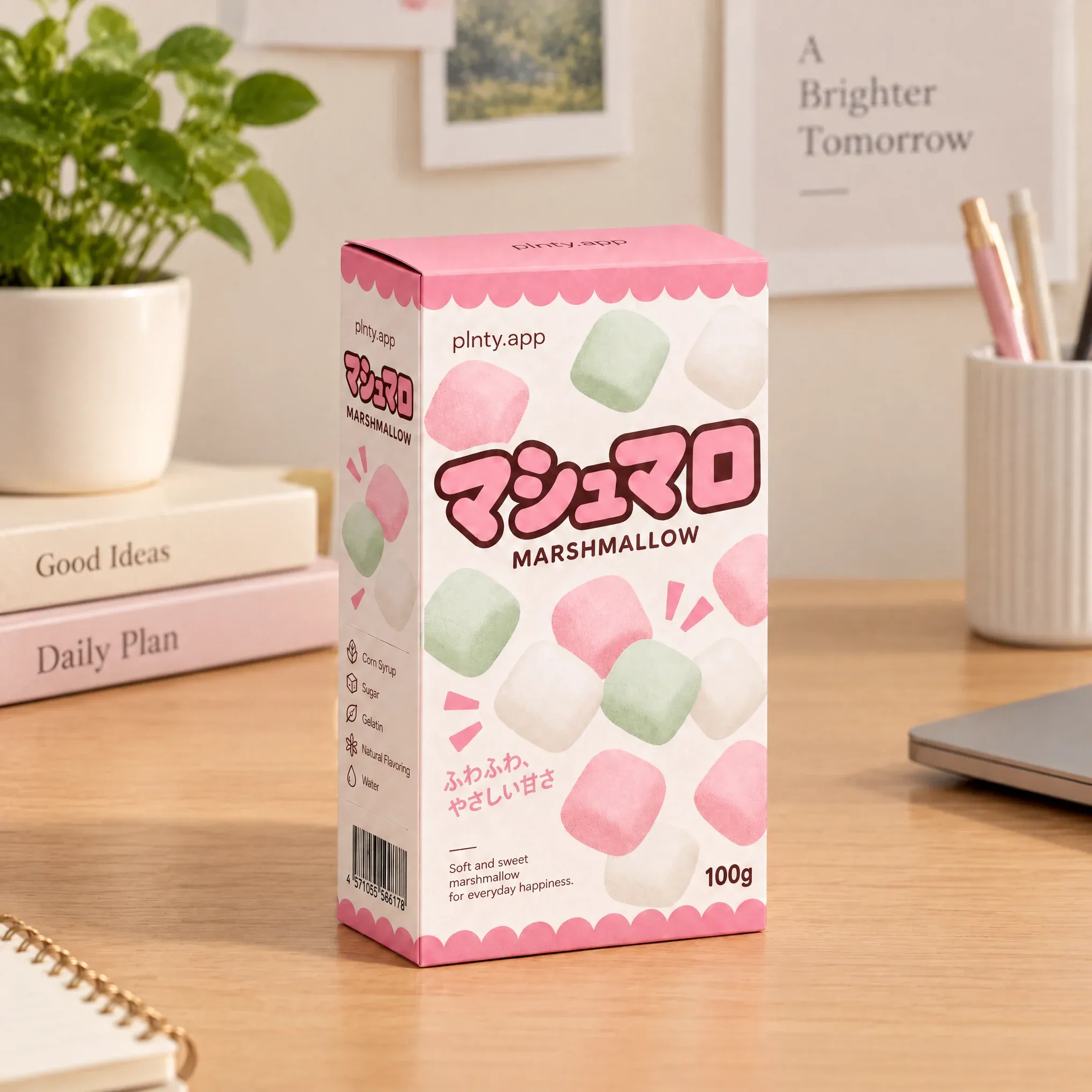
The picture it started from 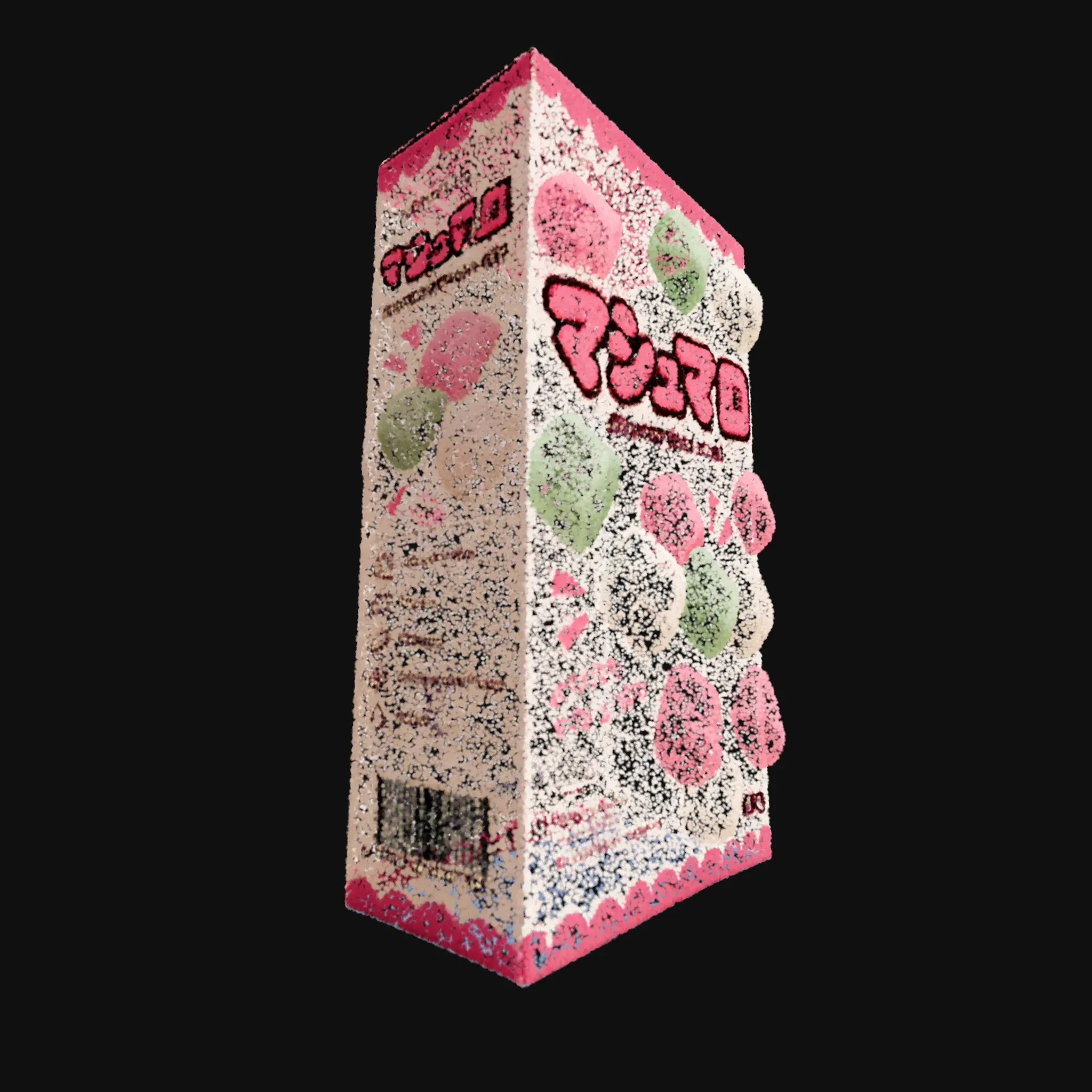
The splat generatedIts Gaussians as points, from the camera of the view sent. The user moved the camera and lens for this exact angle 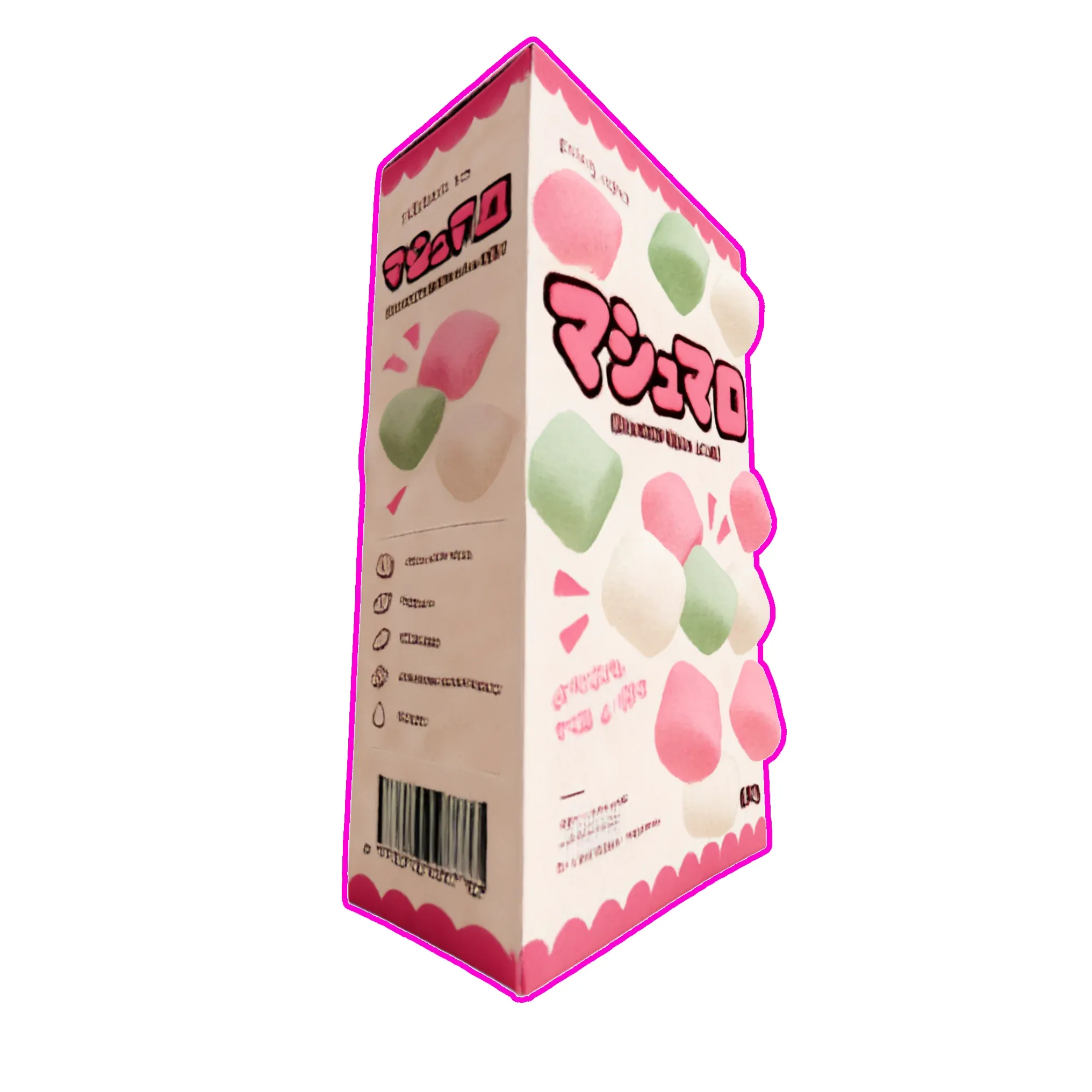
The splat sentThe splat on white, outlined, at 14 mm, with a denser point cloud for clarity, sent to the model together with an image reference 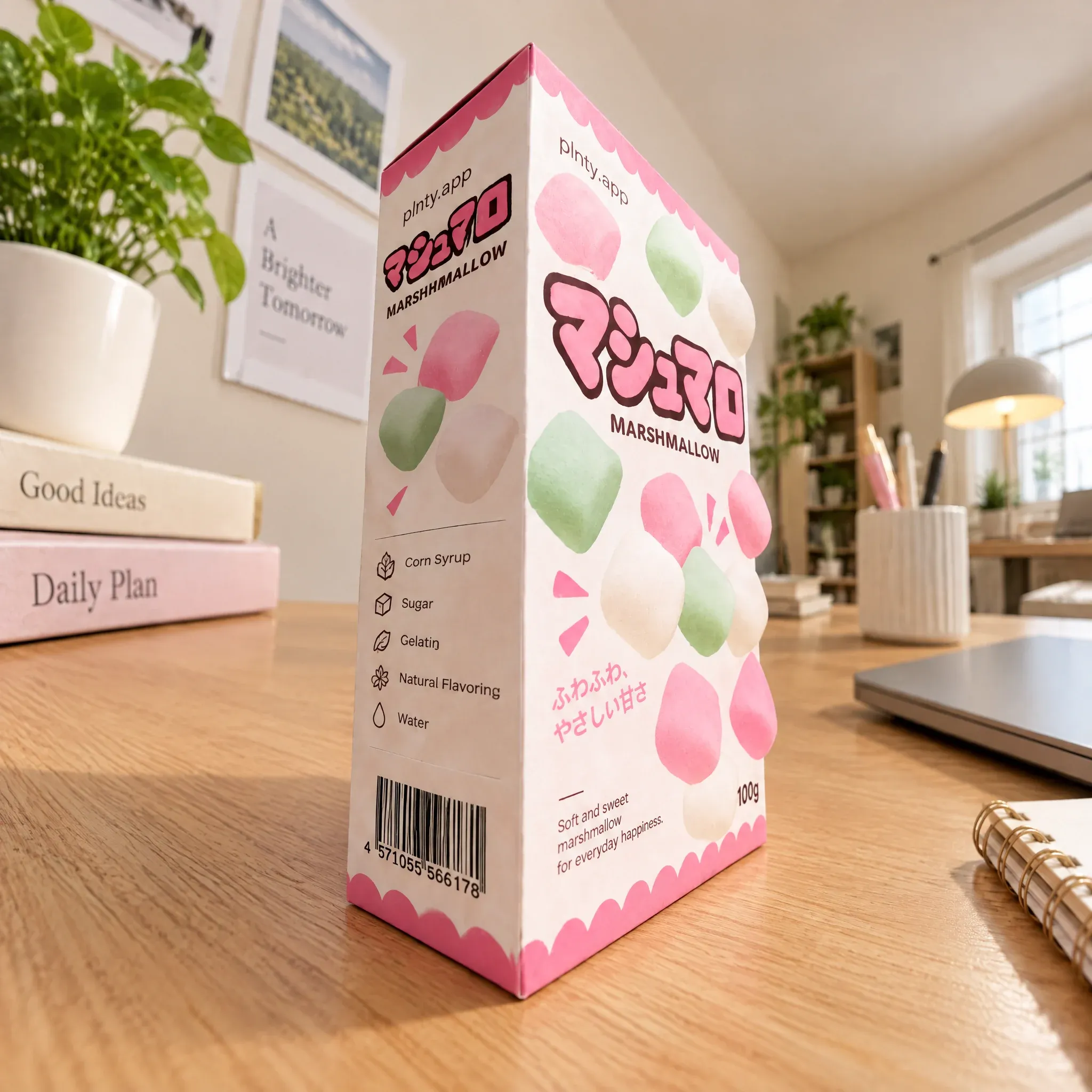
What came backThe print, the desk and the light from the picture. An exact way to control the camera angle you'd get back
01 / View
Choosing the view
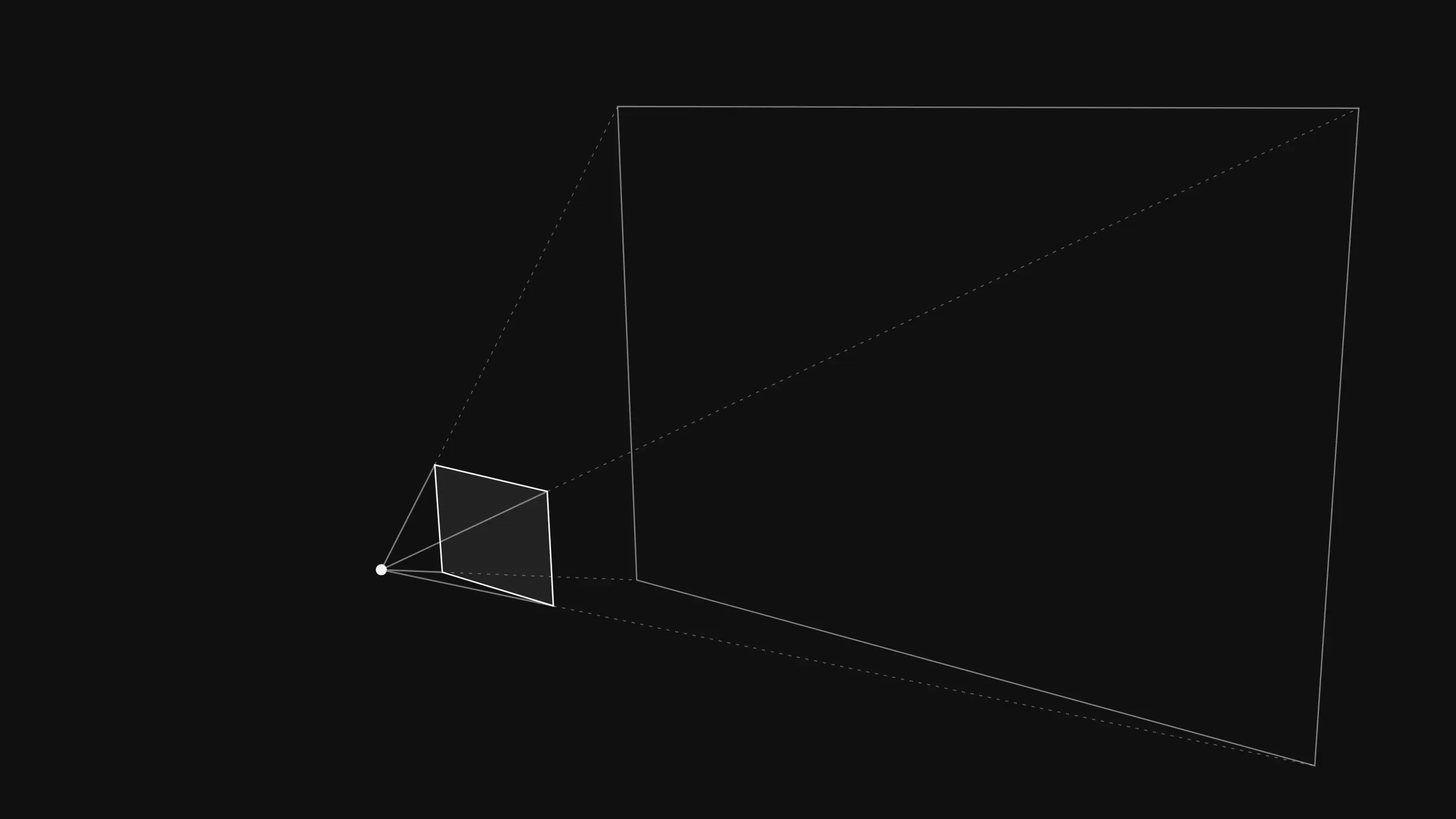
"Low angle" is a reasonable starting point. Once you're adjusting a product shot to fit a layout, you need finer control over camera height, position and focal length. Writing those adjustments into a prompt adds another round of interpretation every time.
Even specifying angles in degrees can fail. A 2026 paper on camera control shows three requests for a sedan at different angles producing nearly identical orientations.
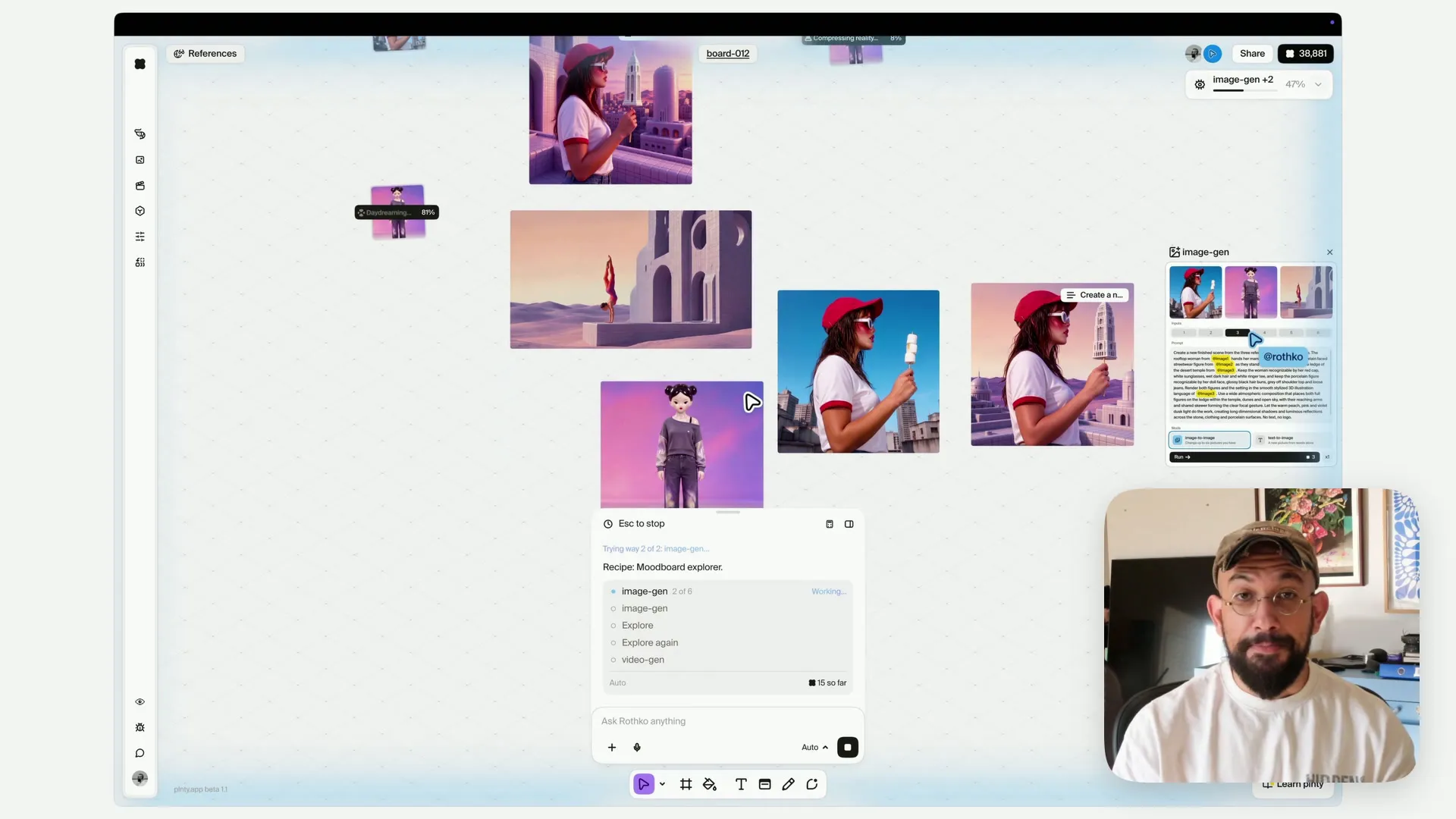
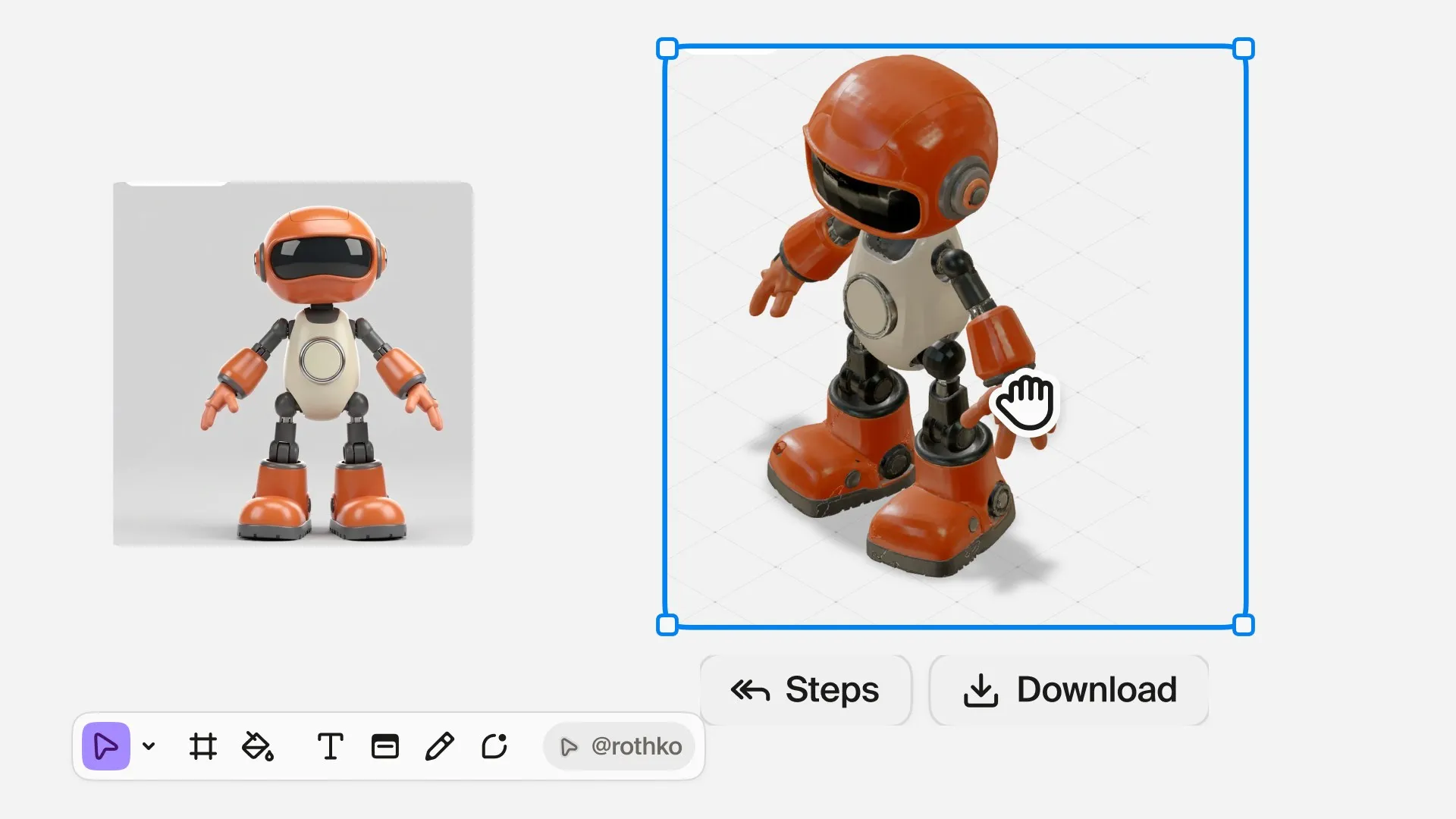
In Plnty, generating the splat from a photo takes around ten to nineteen seconds. After that, you can move the camera and change the lens in the browser without running another generation. When the framing is right, you submit the view to the image model.
This is close to the layout stage of a 3D job, where you work out the camera before finishing the render. It also gives you a practical way to respond to a revision like "same shot, lower." You can make the camera adjustment directly, although the image model can still change other details when it generates the result.
The instructions assign different roles to the two inputs. The original photo supplies the product's appearance, including its materials, colour and lighting. The splat render supplies the requested viewpoint. We want the model to retain the framing without reproducing the splat's holes and blurred surfaces.
Adobe uses a related approach in Photoshop's Rotate Object: a low-resolution splat lets the user rotate a layer in 3D before generating the final, higher-resolution result.
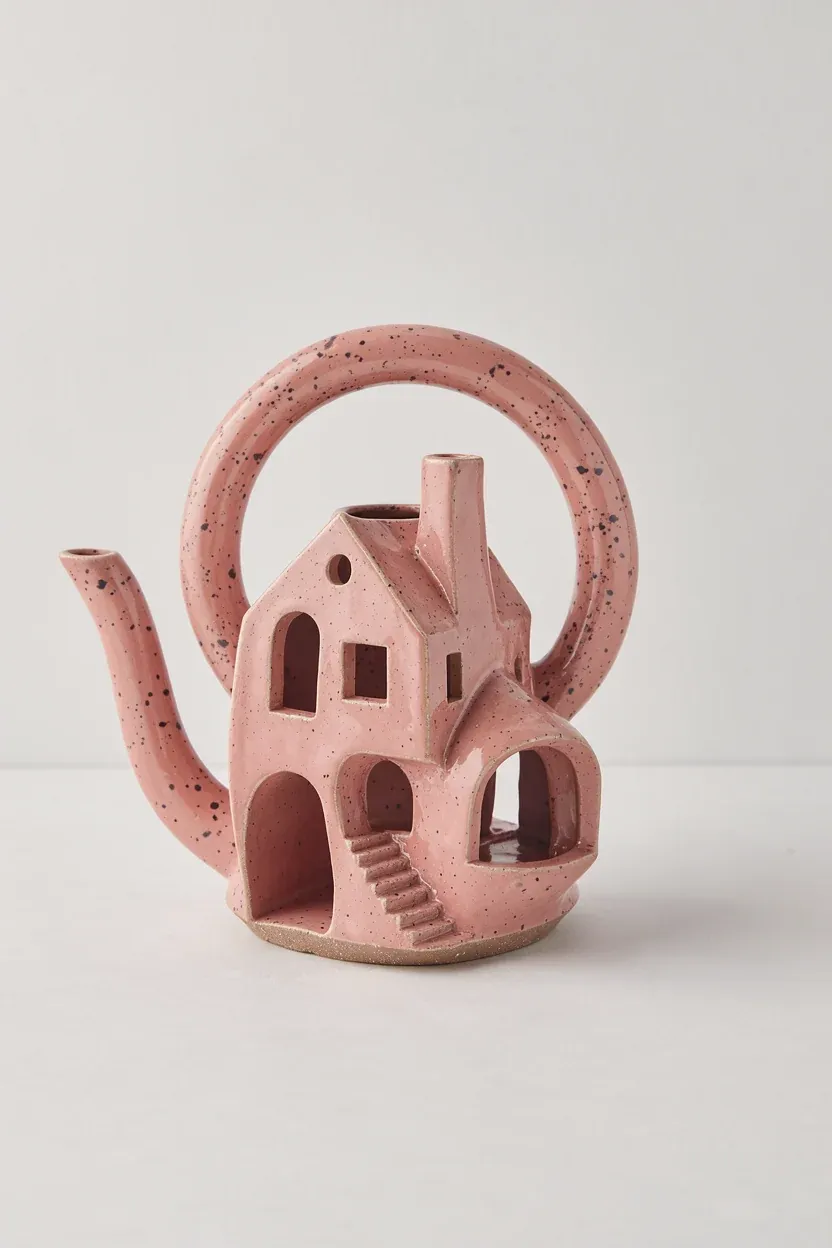
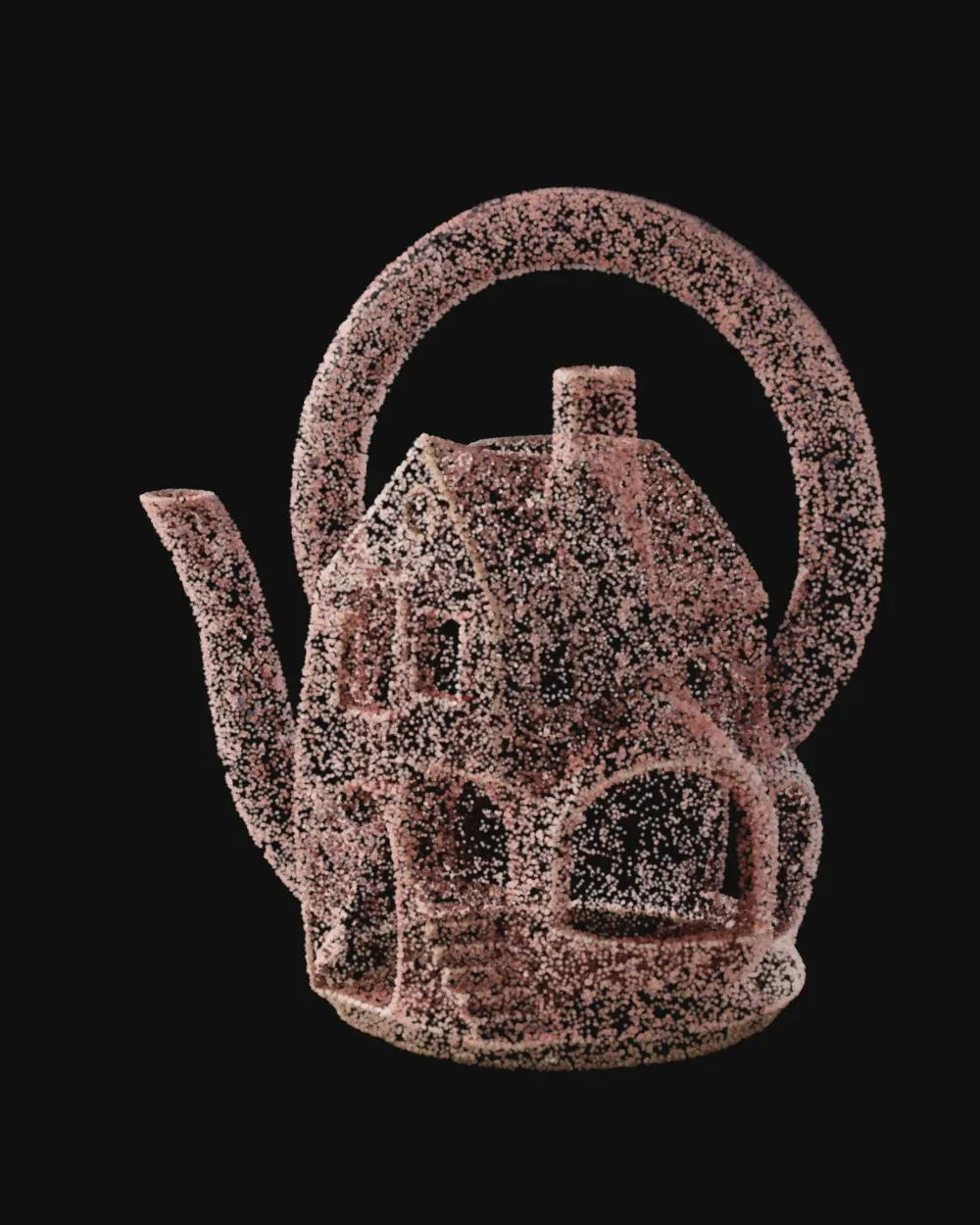
The picture it started from 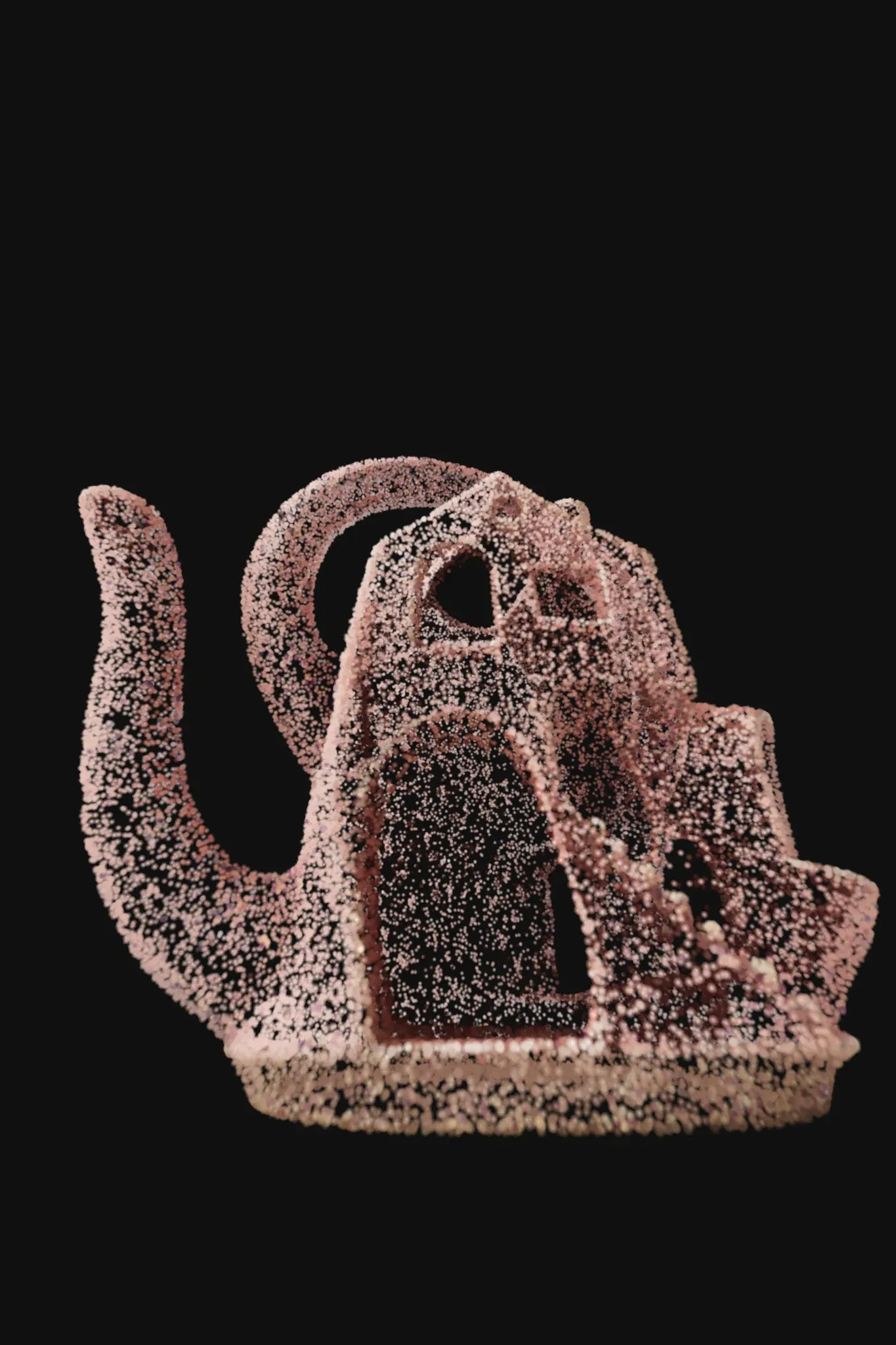
The splat generatedIts Gaussians as points, from the camera of the view sent. The user moved the camera below the teapot and chose a 10 mm lens 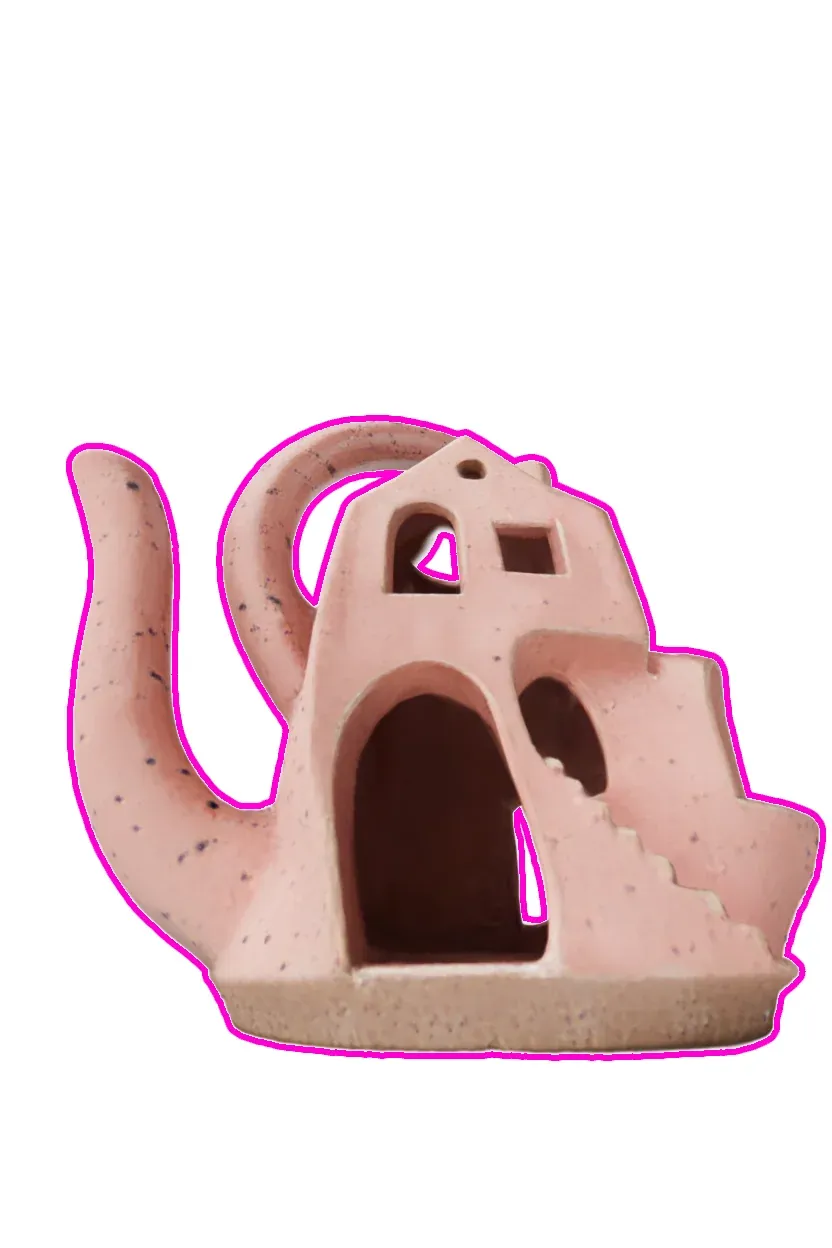
The splat sentThe splat on white, outlined, at 10 mm, sent to the model together with the picture as its reference 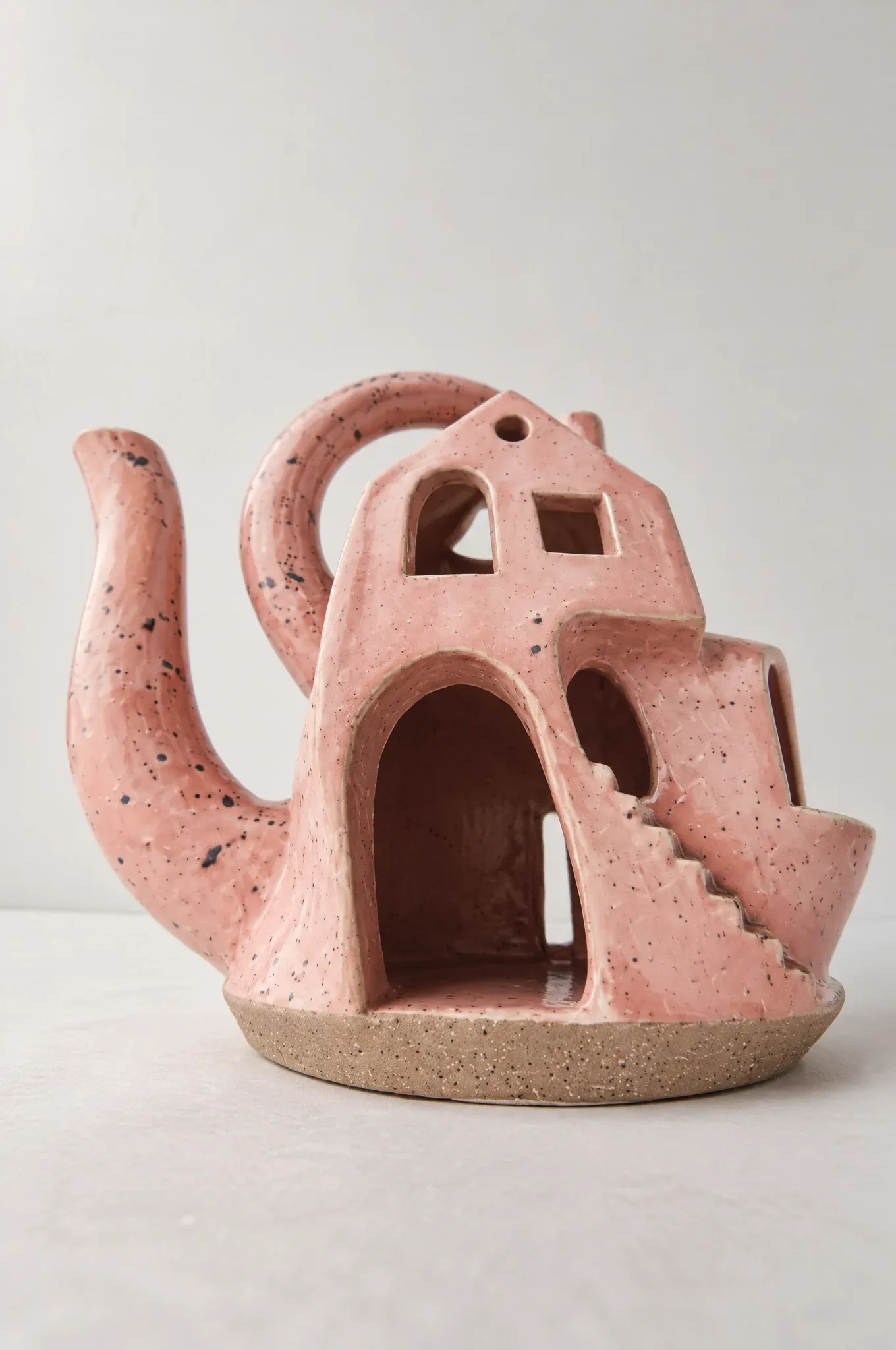
What came backThe angle from the splat, the glaze and speckle from the picture
02 / Reference
Preparing the reference
Our first version sent the splat on the same grey background used in the viewport, alongside the original photo. In one test, a requested profile view came back at the photo's original angle. We suspected that the clearer photo was dominating the rougher camera reference.
We changed the capture to a white background with a bright pink outline around the subject. The outline makes the requested silhouette explicit and separates the camera reference visually from the source photo. That worked better in our tests.
The reference still needs enough detail to make its orientation readable. In a test with a peanut butter jar, the splat's label was illegible, but you could see where it sat on the jar. That was enough to indicate the rotation. An unmarked, rotationally symmetric bottle would give us no equivalent cue.
We also match the reference's aspect ratio to the source photo. Sending a square capture for a portrait image had encouraged the model to change the composition. And we include the focal length in the instructions because an extreme wide-angle render was sometimes coming back with much more conventional perspective.

The picture it started from 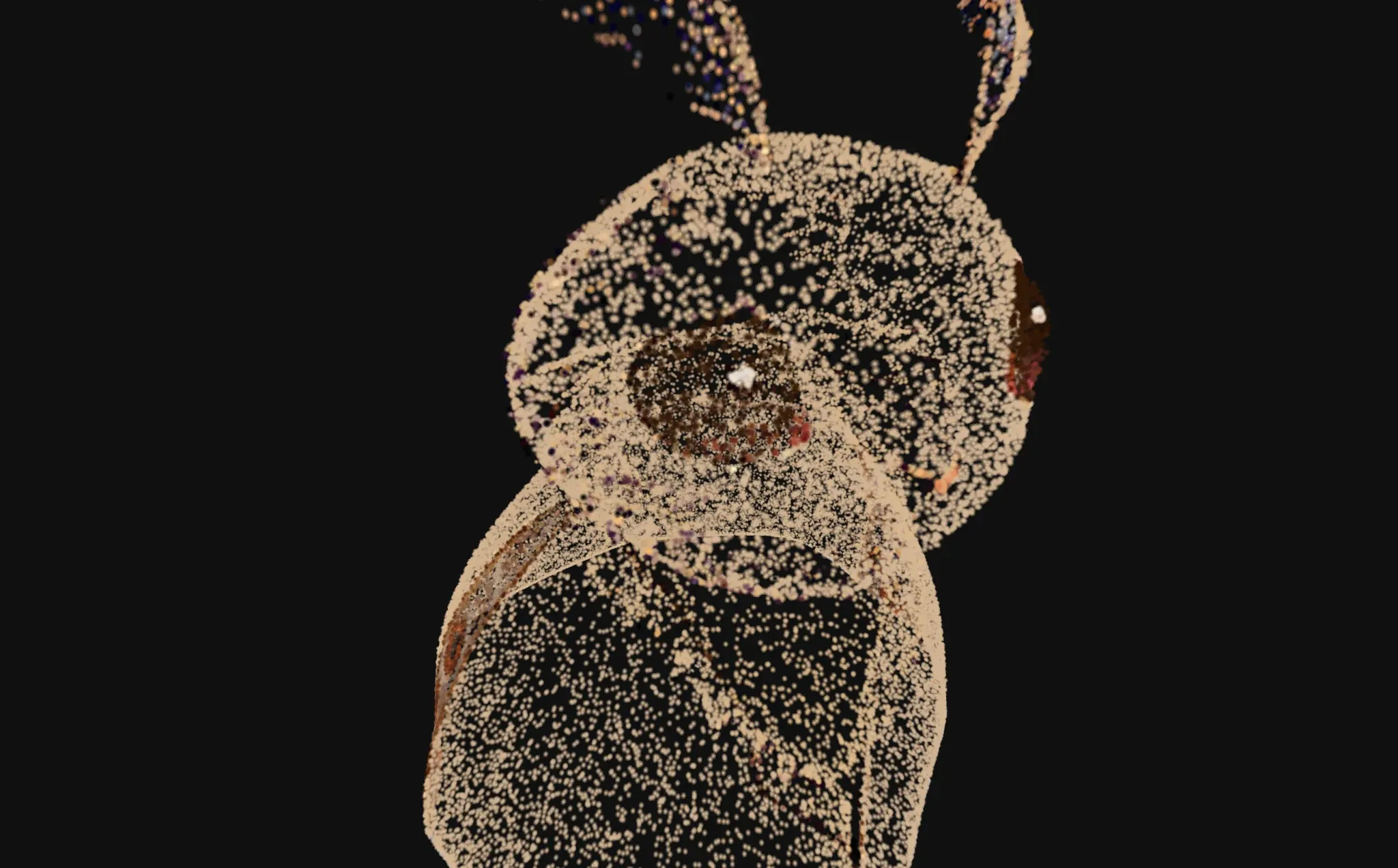
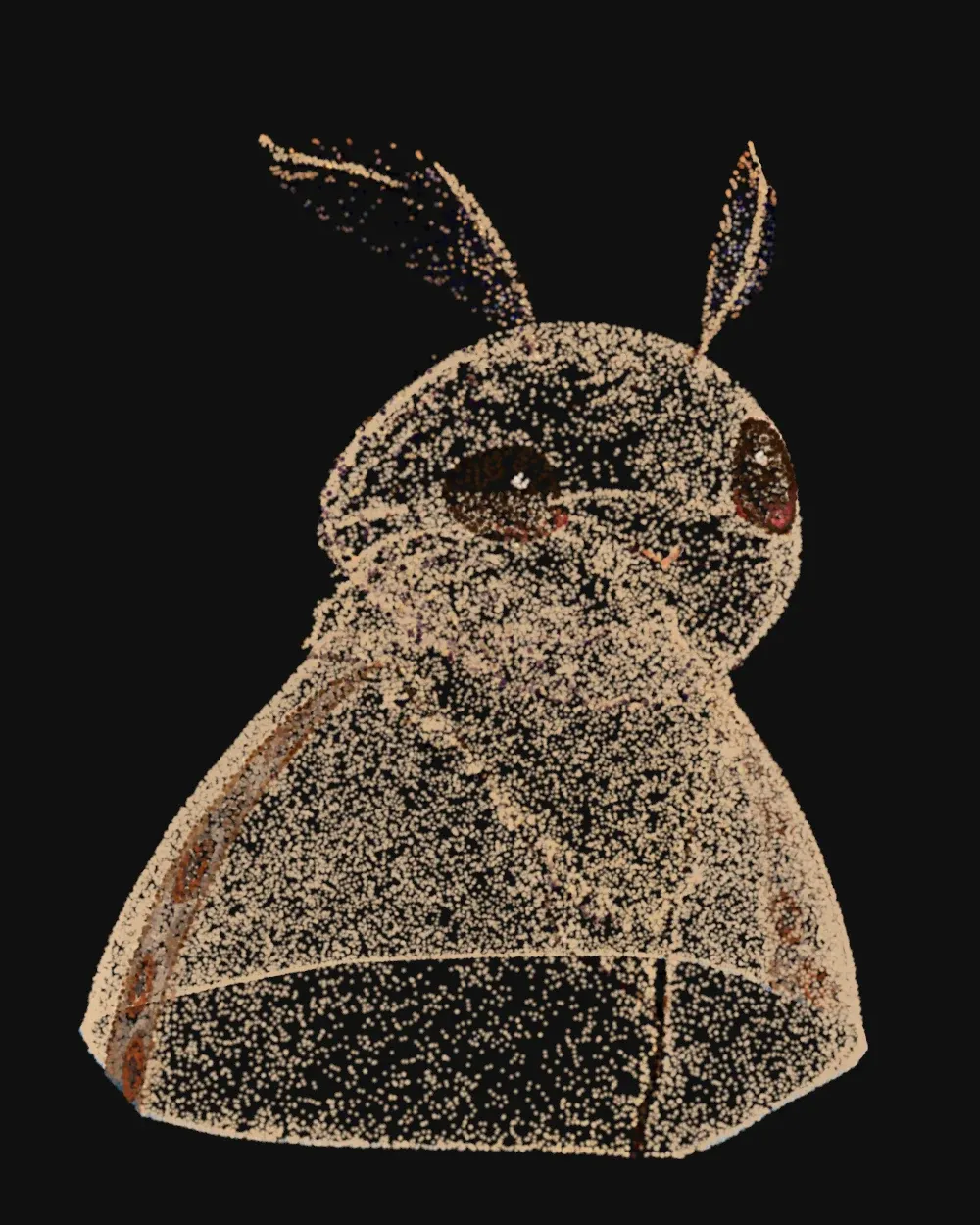
The splat generatedIts Gaussians as points, from the camera of the view sent. The user turned the moth toward the camera and moved in close at 14 mm 
The splat sentThe splat on white, outlined, in the picture's own wide shape, sent with the picture as its reference 
What came backAt the new angle, with a low sun the picture did not have
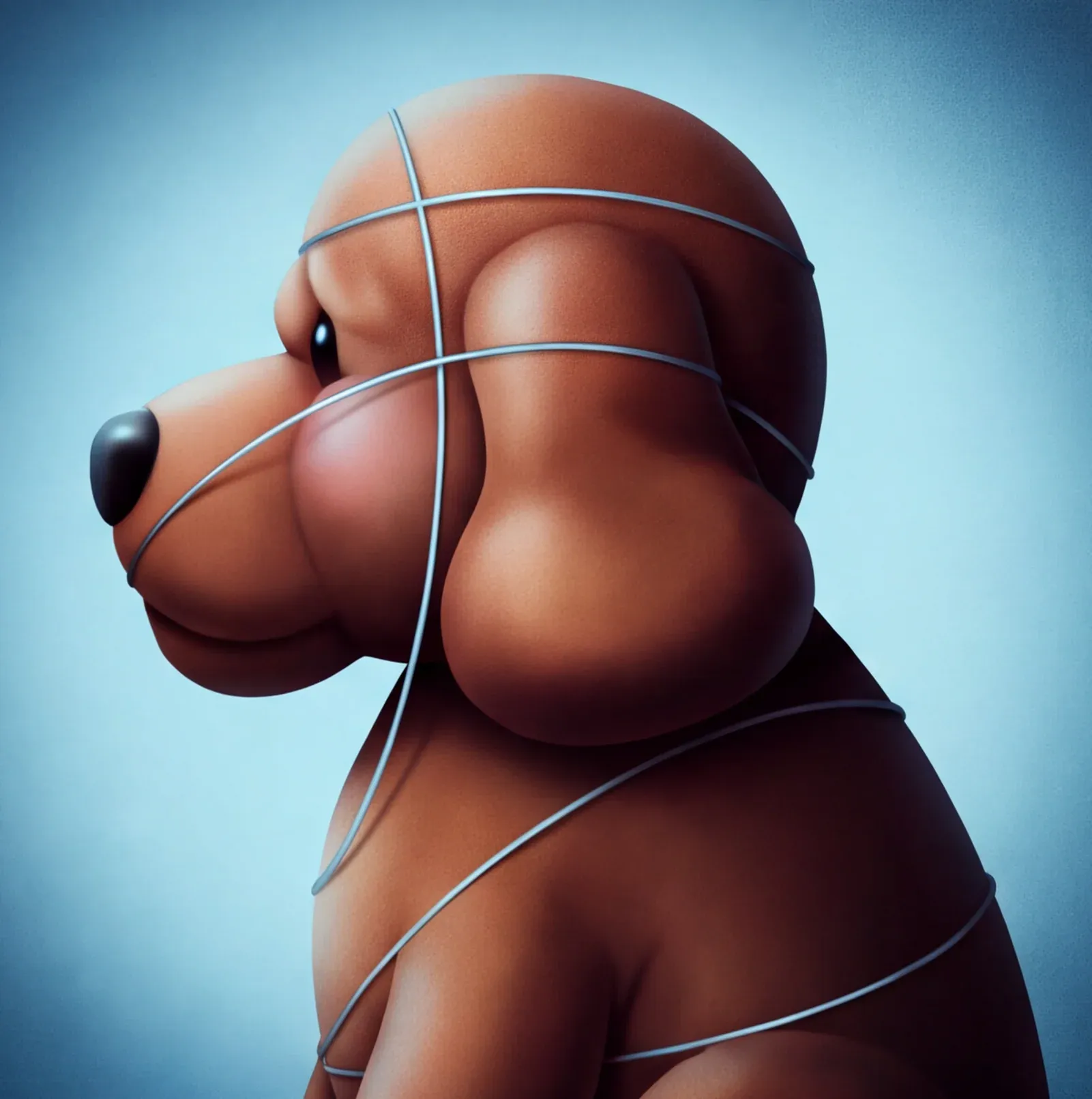
The picture it started from 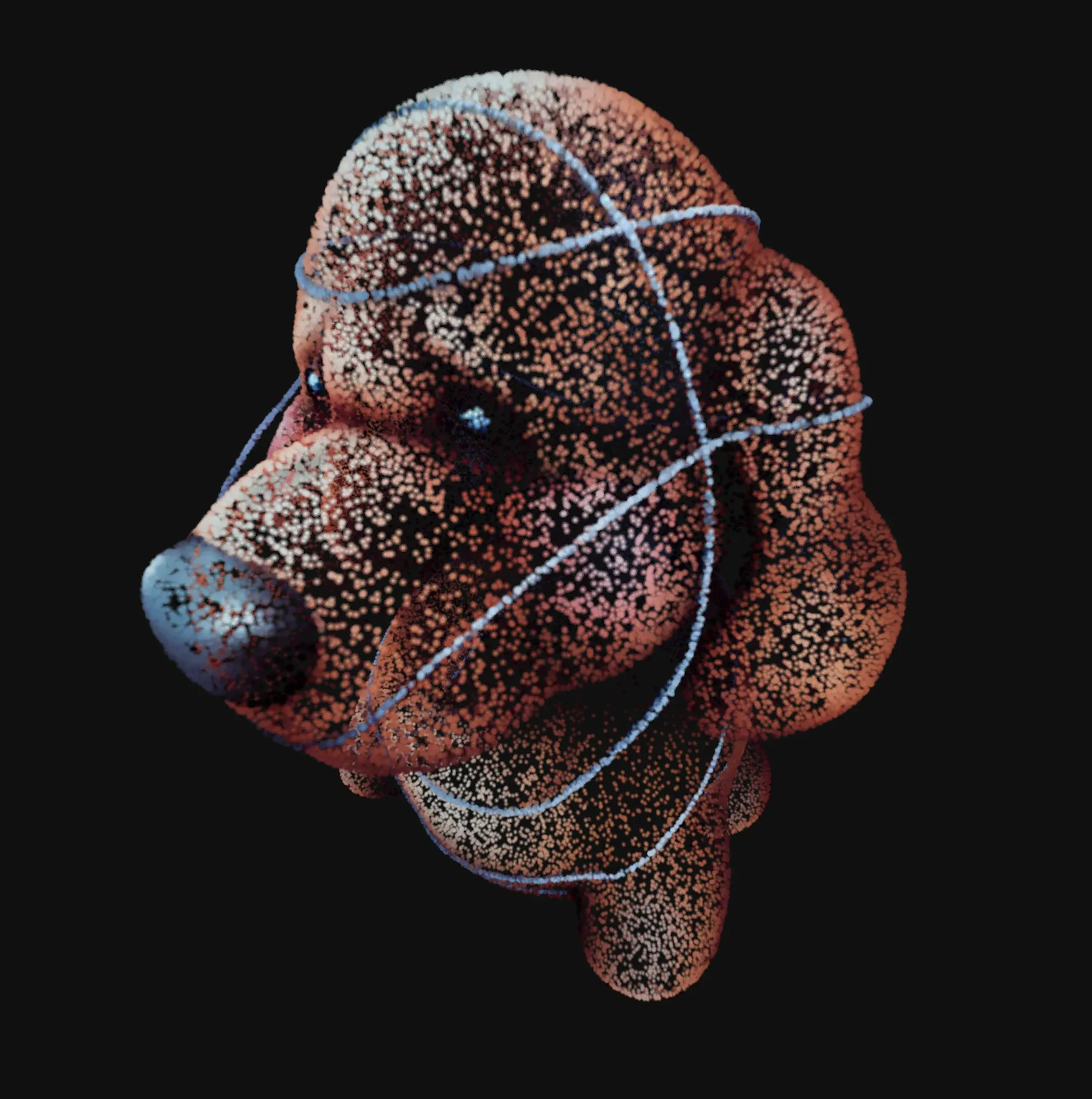
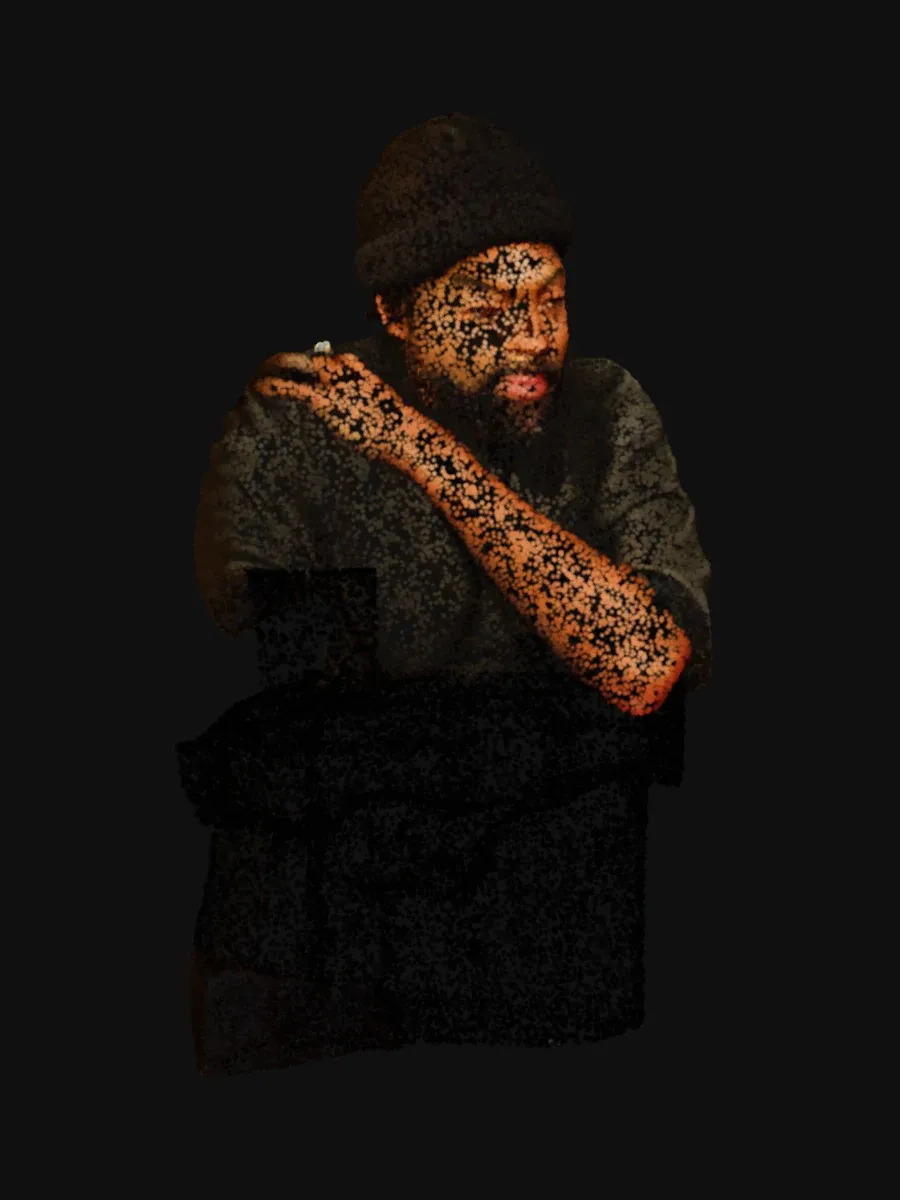
The splat generatedIts Gaussians as points, from the camera of the view sent. The user brought the camera up to the nose and chose an 11 mm lens 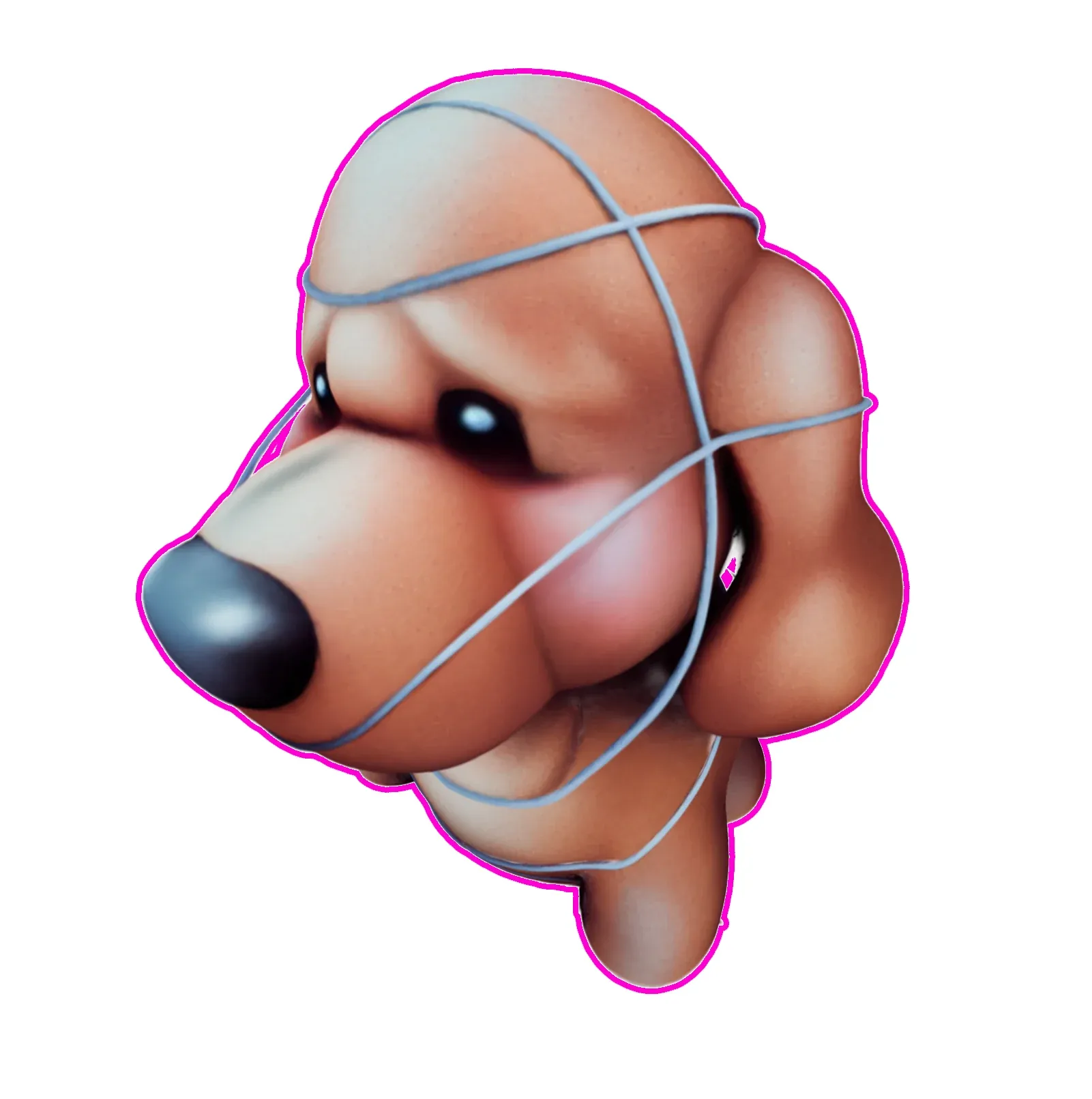
The splat sentThe splat on white, outlined, at 11 mm, sent to the model together with the picture as its reference 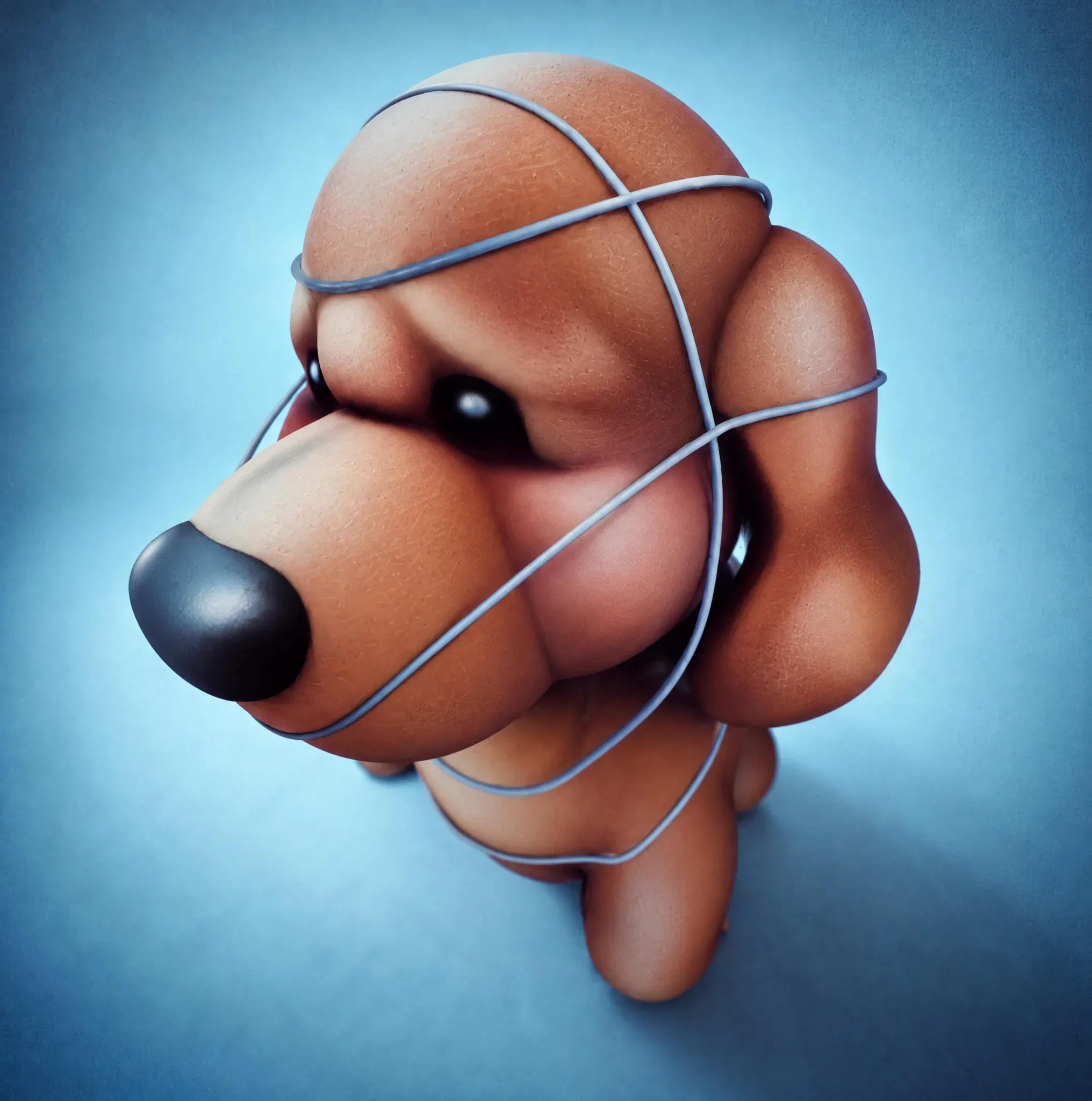
What came backThe lens in words, and the wide-angle stretch kept
03 / Detail
Missing detail
Faces exposed a weakness in our early splats. We had reduced the Gaussian count to keep files small, testing that choice on a stone house. It was a poor test for what happened when someone uploaded a portrait.
At 65,536 Gaussians, roughly 6,400 covered the head, much of that allocation going to the hair. In the case we investigated, the face in the source photo was only about 140 pixels wide. The generated results changed the nose and skin, and two outputs made a second apart had different faces. Increasing the Gaussian count improved the facial detail available to the model without increasing the measured build time.
A higher count doesn't solve missing views. One sneaker had a logo on a single side. The model generating the splat mirrored it onto the other side. We then generated six reference images from that splat for a video request, so all six repeated the wrong logo. Another real photograph could have supplied the missing information; more renders of the same splat couldn't.
The reconstruction also doesn't reliably retain the source camera. A lounger photographed from above could open at a level view after reconstruction. That means the designer has to recover the starting angle manually before making an adjustment.
I'd like reconstruction models to preserve the source camera and identify regions that have little or no support in the input photos. A tool could then highlight an uncertain surface or ask for another reference.
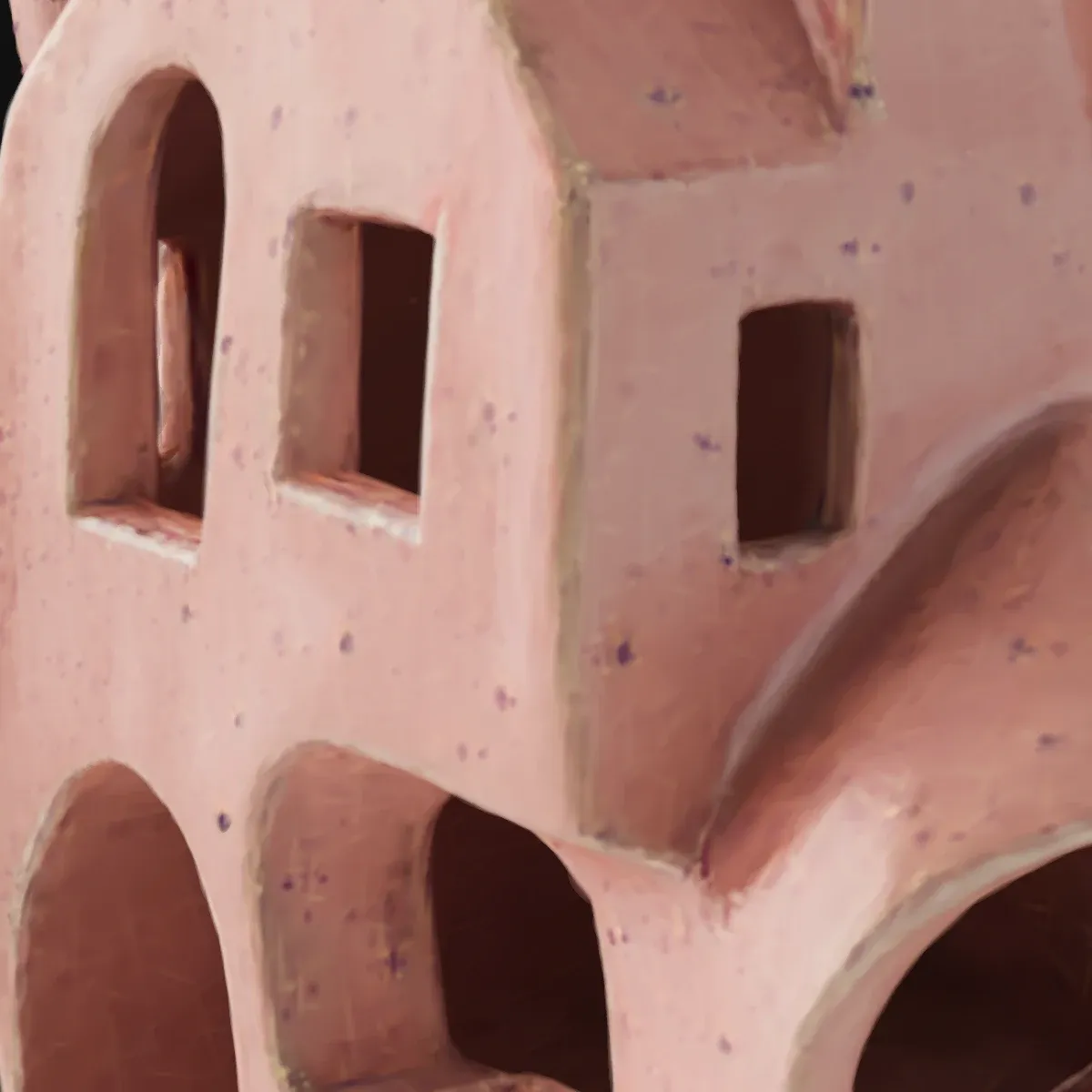
CleanThe teapot's splat up close, rendered as it is 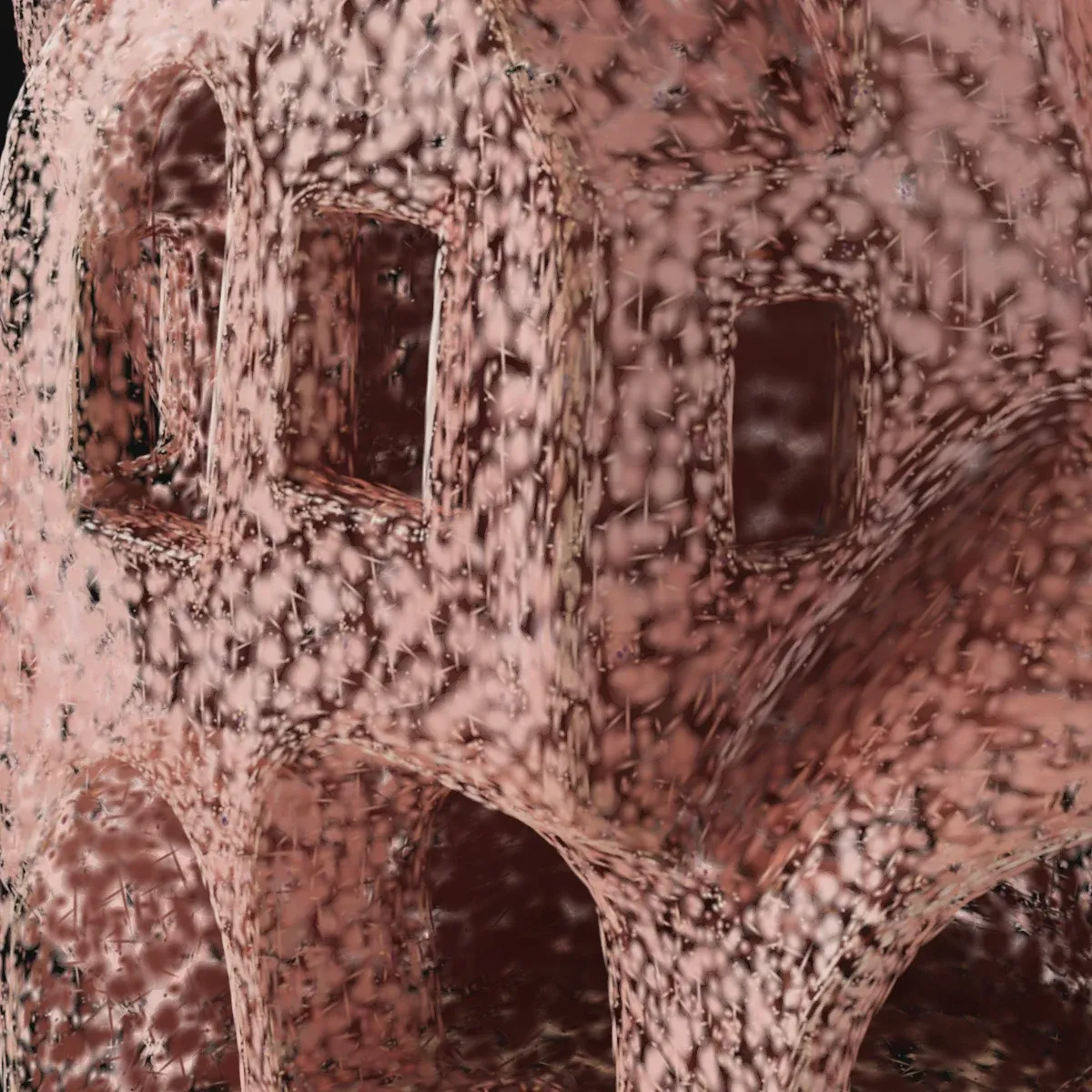
Every GaussianEach Gaussian shrunk and made opaque 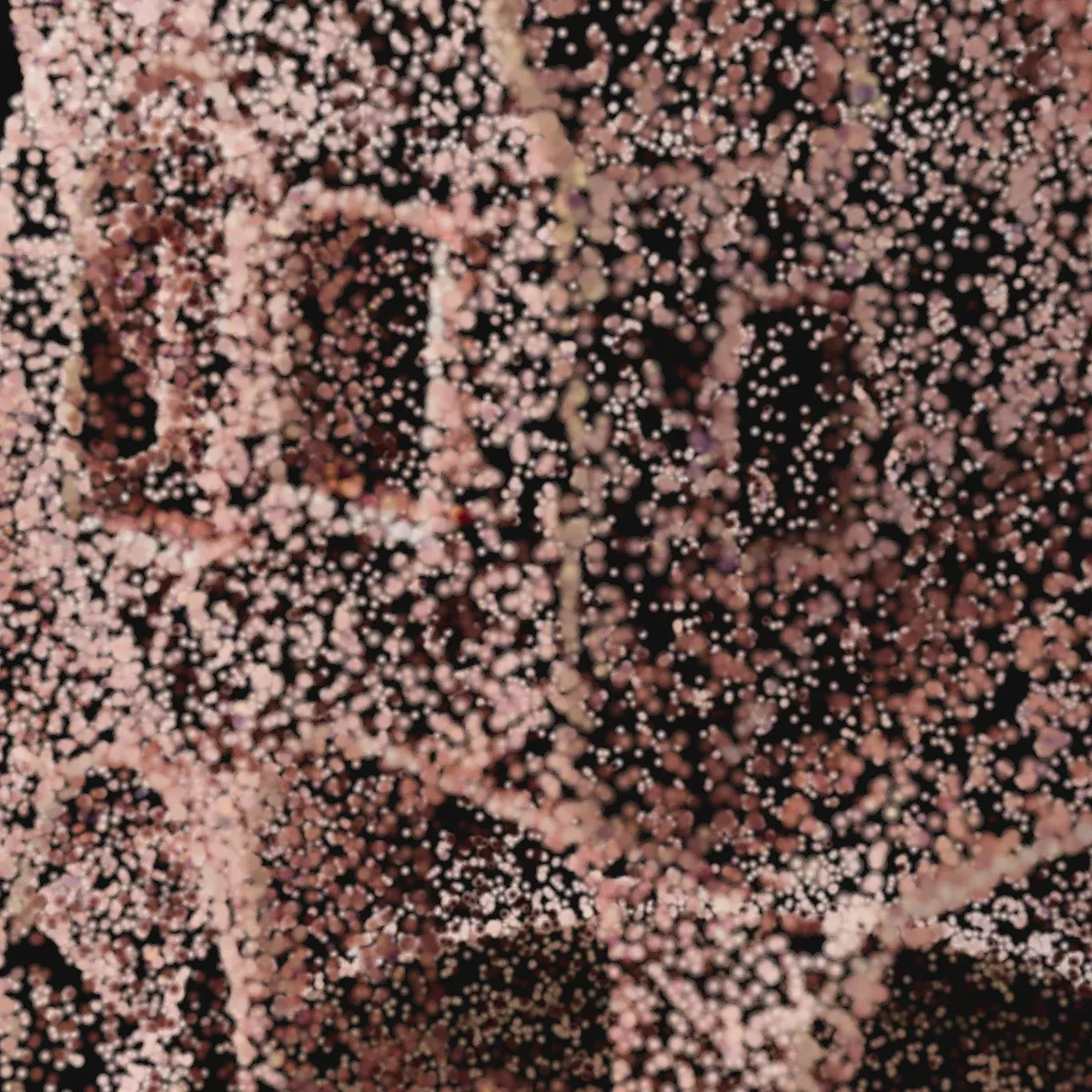
PointsEach Gaussian as a dot at its centre 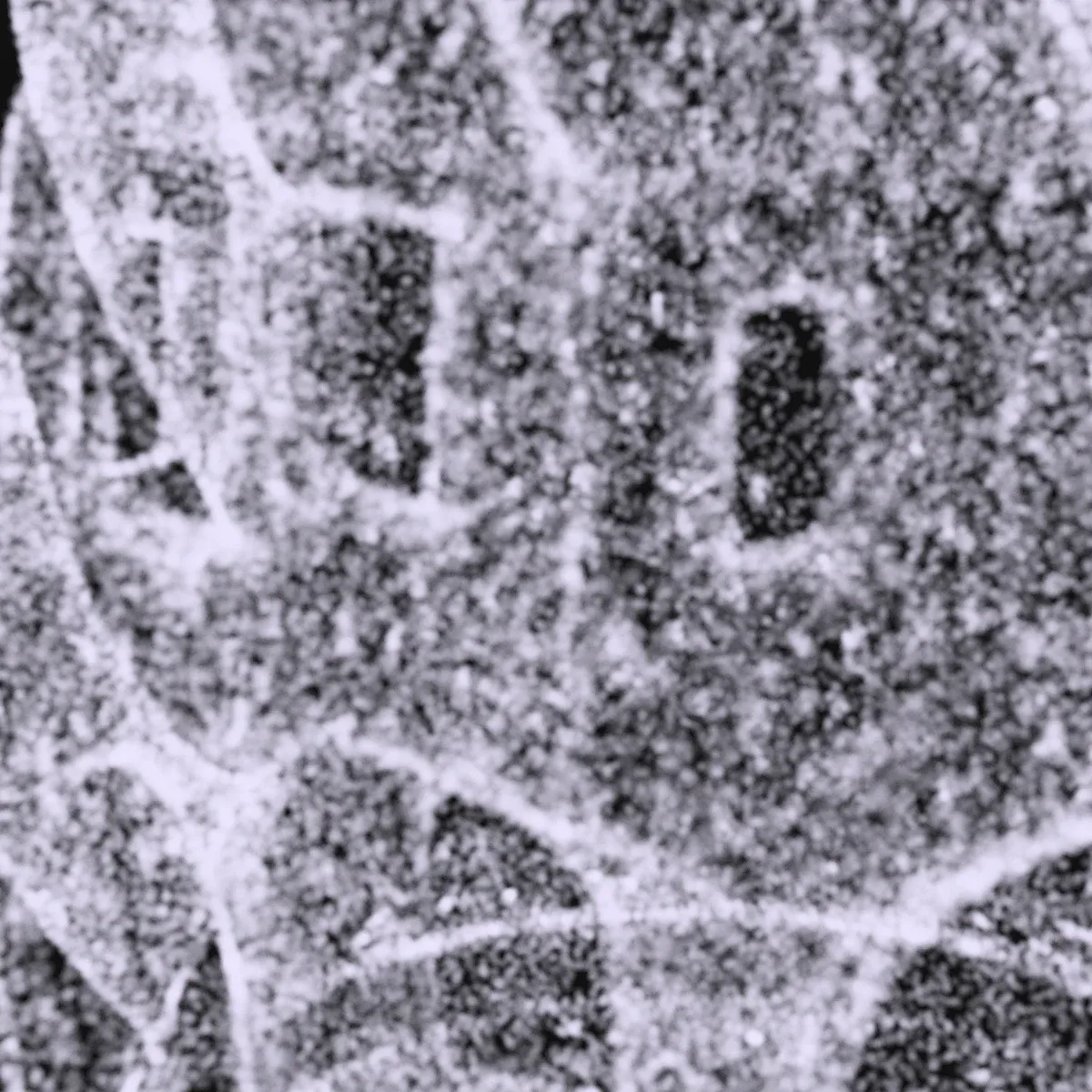
One toneThe dots in one pale tone
04 / Motion
Following a camera move
For video, we record the camera moving around the splat in the browser and send that clip to the video model with reference images. When we tried omitting the clip, one result cut between the images like a slideshow.
Turntables worked reasonably well. The first nine production results completed between 1.00 and 1.17 revolutions. Because they reached or passed the starting angle, we could trim the overshoot to make a loop.
A keyframed move was less reliable. A turn designed to slow down and stop came back as a constant-speed spin. We now include still frames sampled along the camera path. In a later test, a fast pullback came back as a pullback, but slower than the one we had recorded.
The clip gives the model a visual reference for the motion, but we can't rely on it to reproduce the timing. I'd like video models to accept a camera path directly, so we can specify the timing as well as the positions. We'd still need to test how closely a model follows it.
Reusing the set
We looked at splats created since October 22. Of the 58 that had produced a finished image or video by November 20, 50 had produced only one result.
I suspect the interface contributes. You work inside a tool card, receive an output, and the splat is saved to a library. It can be reused, but it isn't sitting on the board as a set you can keep shooting. The designer from that August session had already built a splat before spending another fourteen minutes typing shot names.
Our six-view mode gets about four times as many runs as the mode where you place the camera yourself. For plenty of jobs, a sheet of standard views is enough. Manual camera control needs to be easy to reach when someone wants to keep adjusting a shot.
I want the set to stay on the board, with its images and takes linked to it. Importing scans would let us start with captured geometry. We also want to bring over the phone camera control from our scene builder, so a designer can record a move by turning the phone in their hands.
There's a further possibility we haven't built: using approved outputs as references for later shots. At the moment, each generation starts from the same rough splat and source photo. Details resolved in one image can change in the next.
To explore that, we'd need to save the camera settings with each output and work out how to use the approved views in subsequent generations. A generated view would still need to be distinguished from a photograph of the actual product, particularly on surfaces the original camera never saw. I'd like to test whether we can retain an approved label or material across several angles without carrying an earlier mistake into every new image.
| The shots | 4 Oct, 12 mm | 5 Oct, 13 mm | 7 Oct, 12 mm | 12 Oct, 11 mm | 13 Oct, 12 mm |
|---|---|---|---|---|---|
| AnglesThe splat sentThe camera and the lens, set by hand | 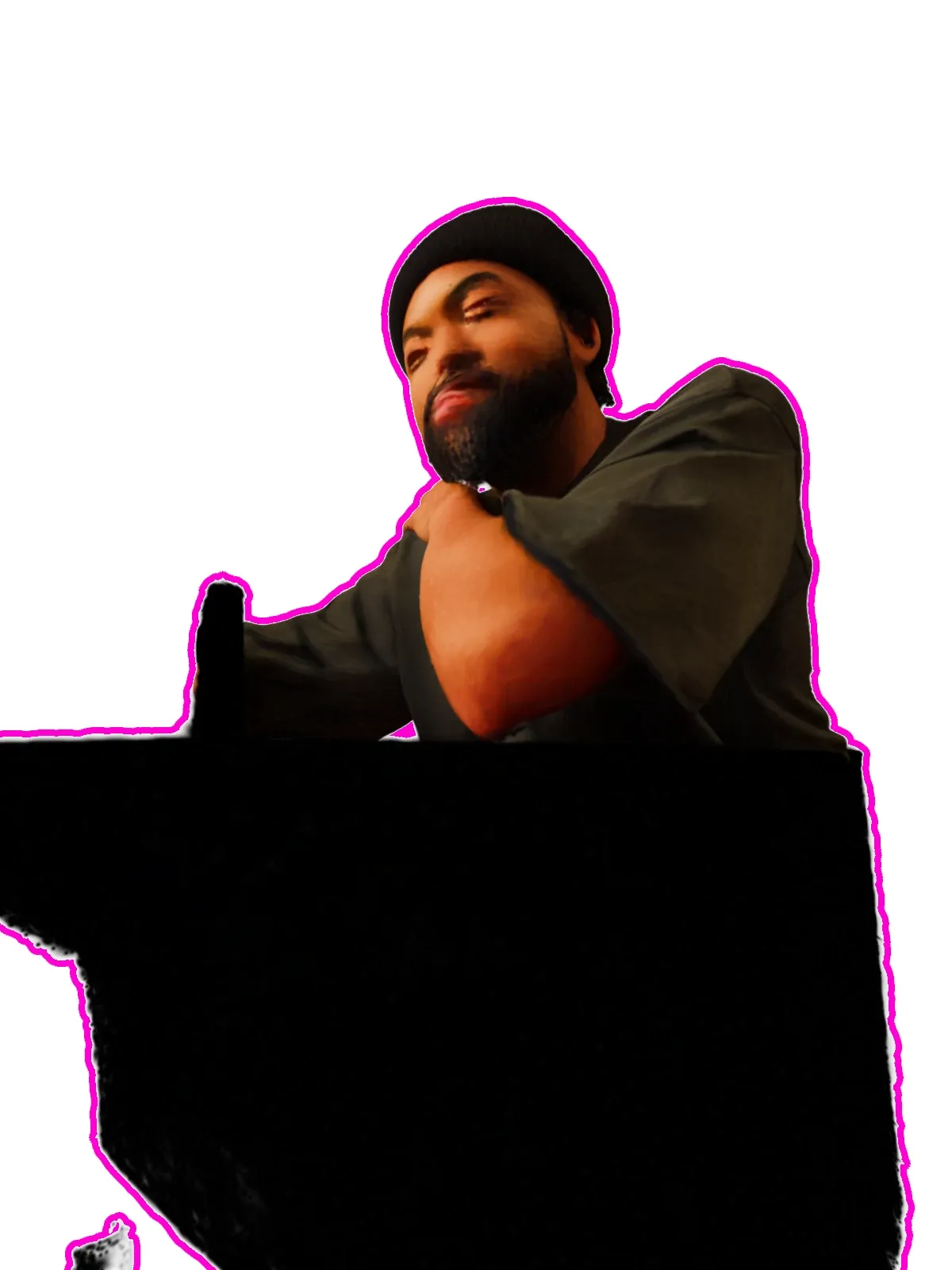 | 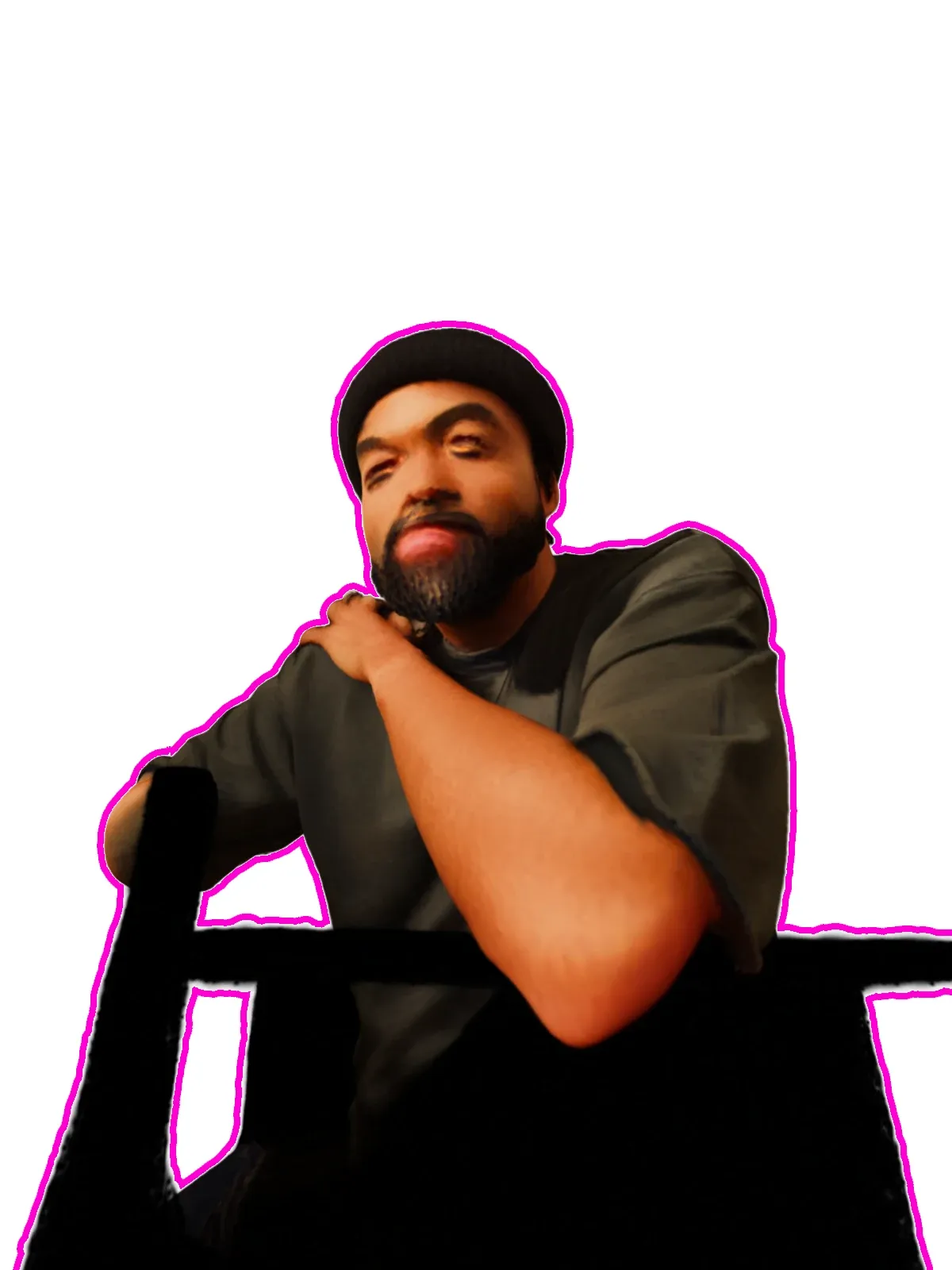 | 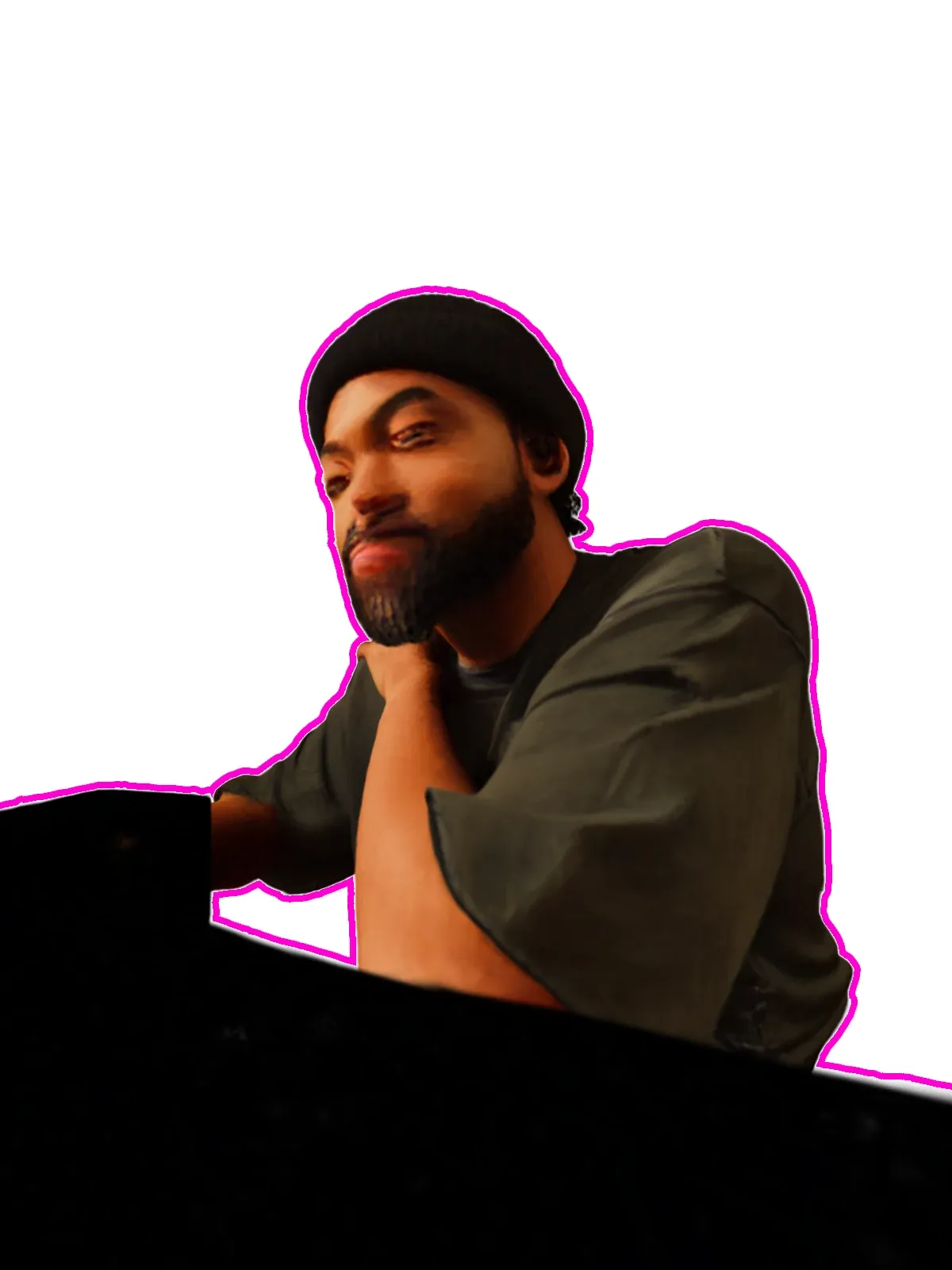 | 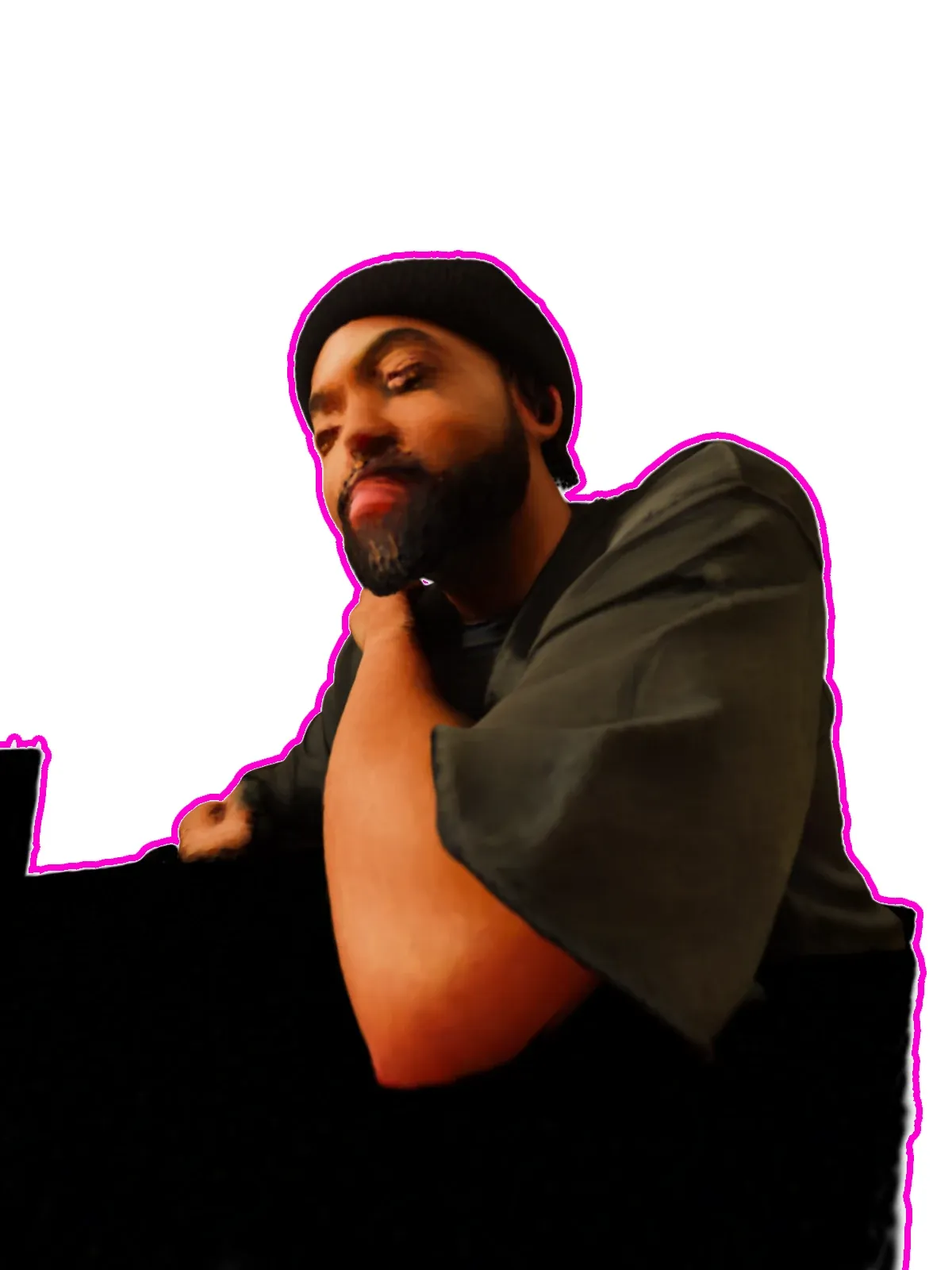 | 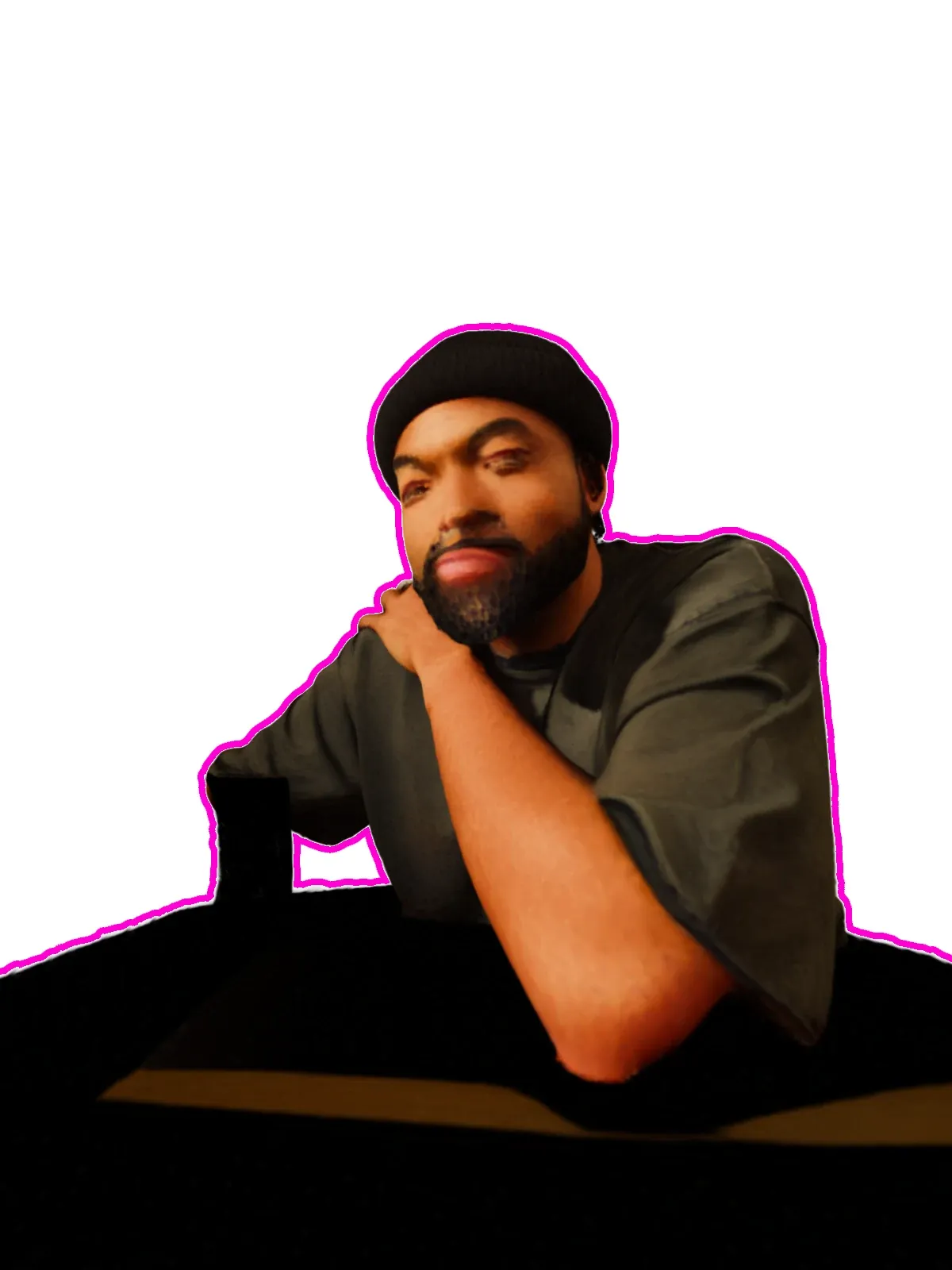 |
| GPT Image 2.5What came back | 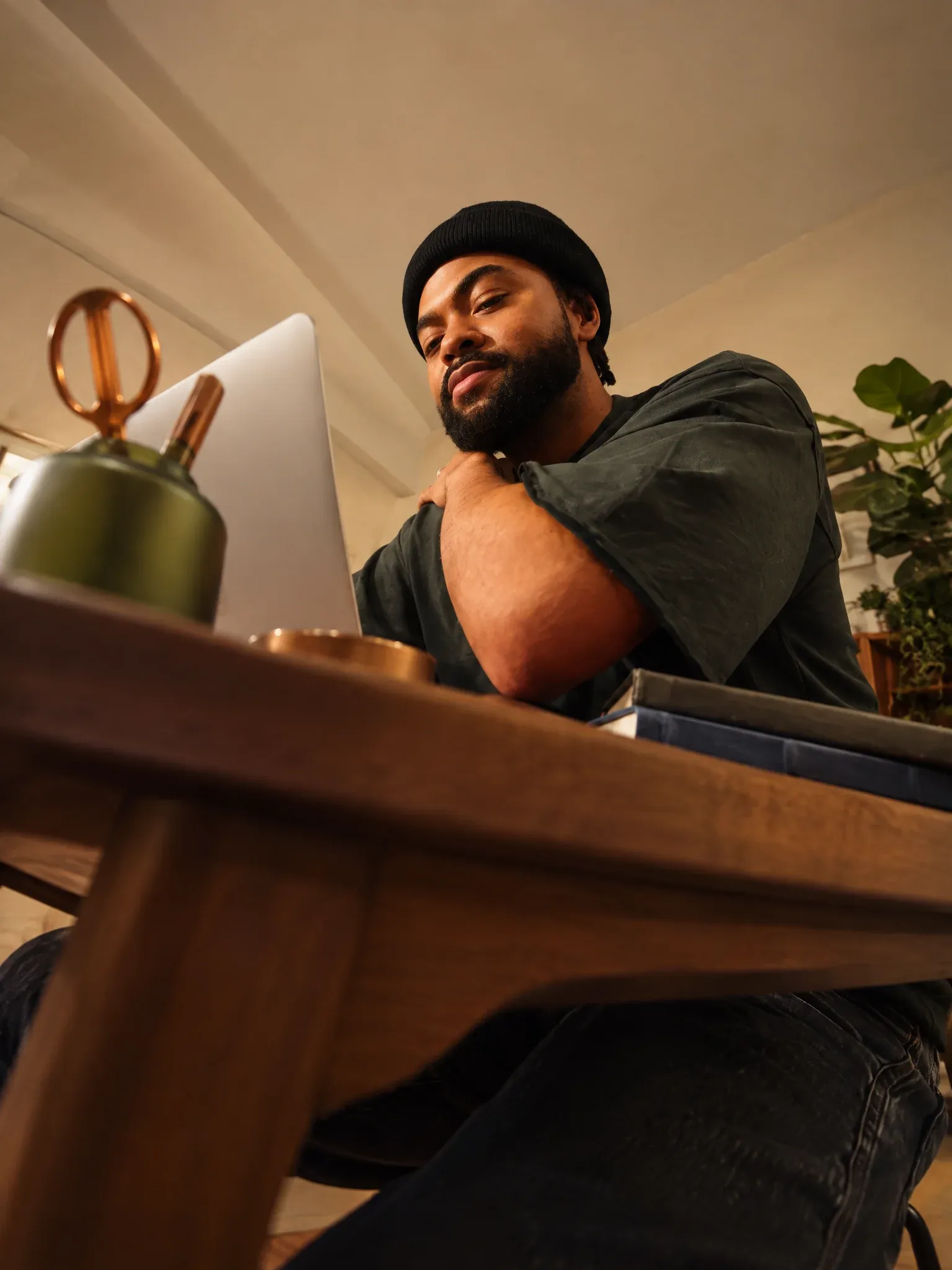 | 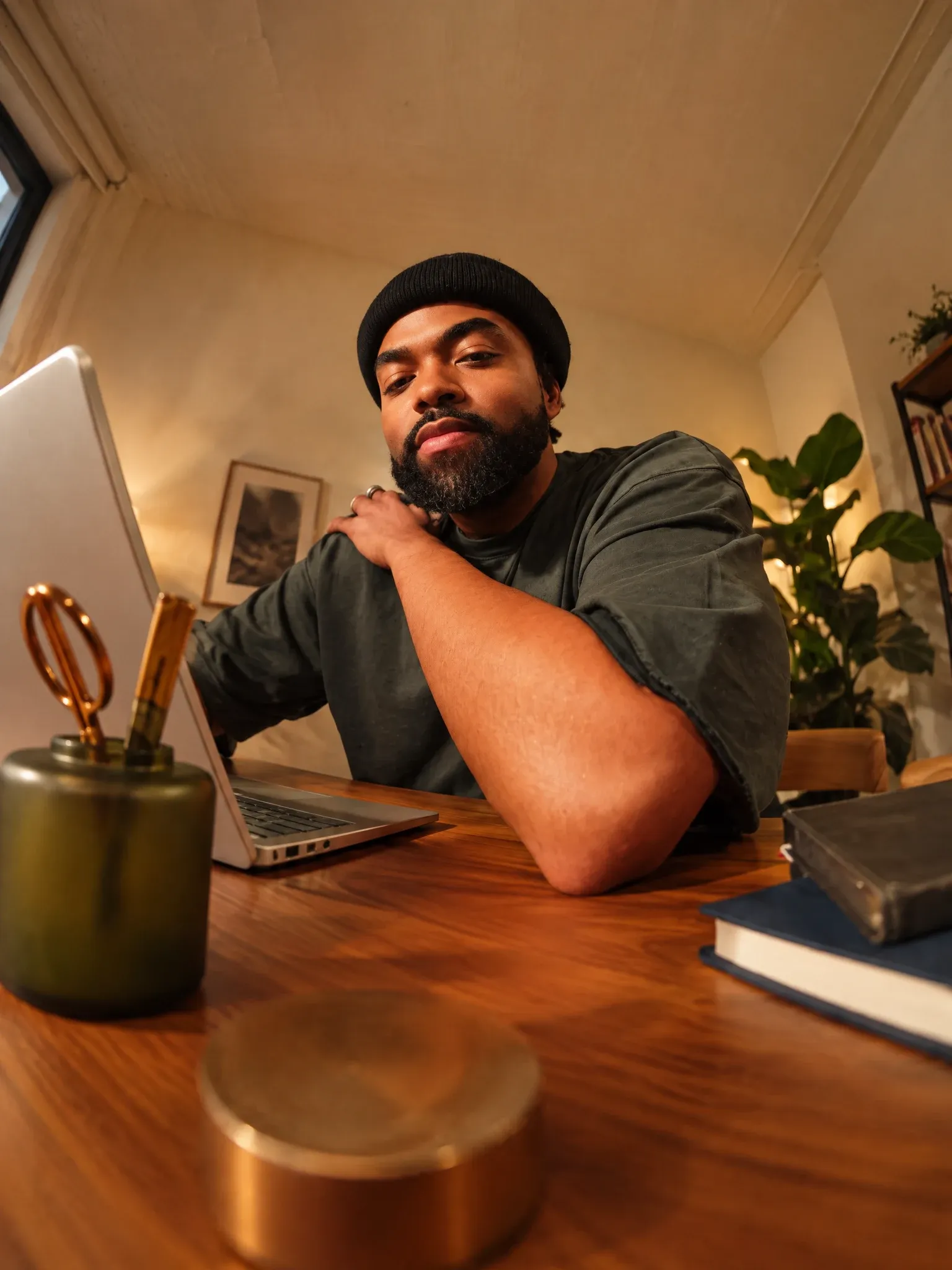 | 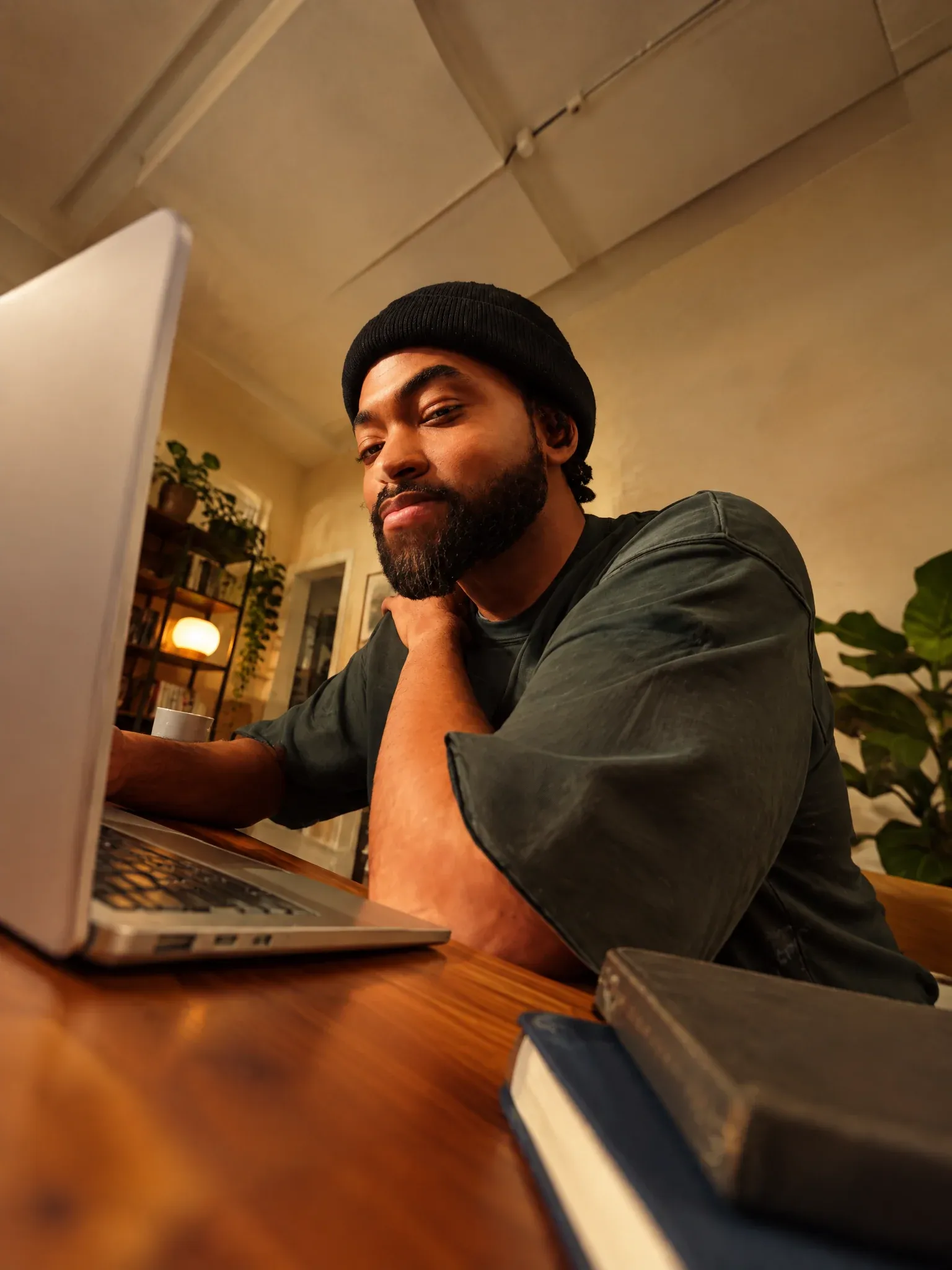 | 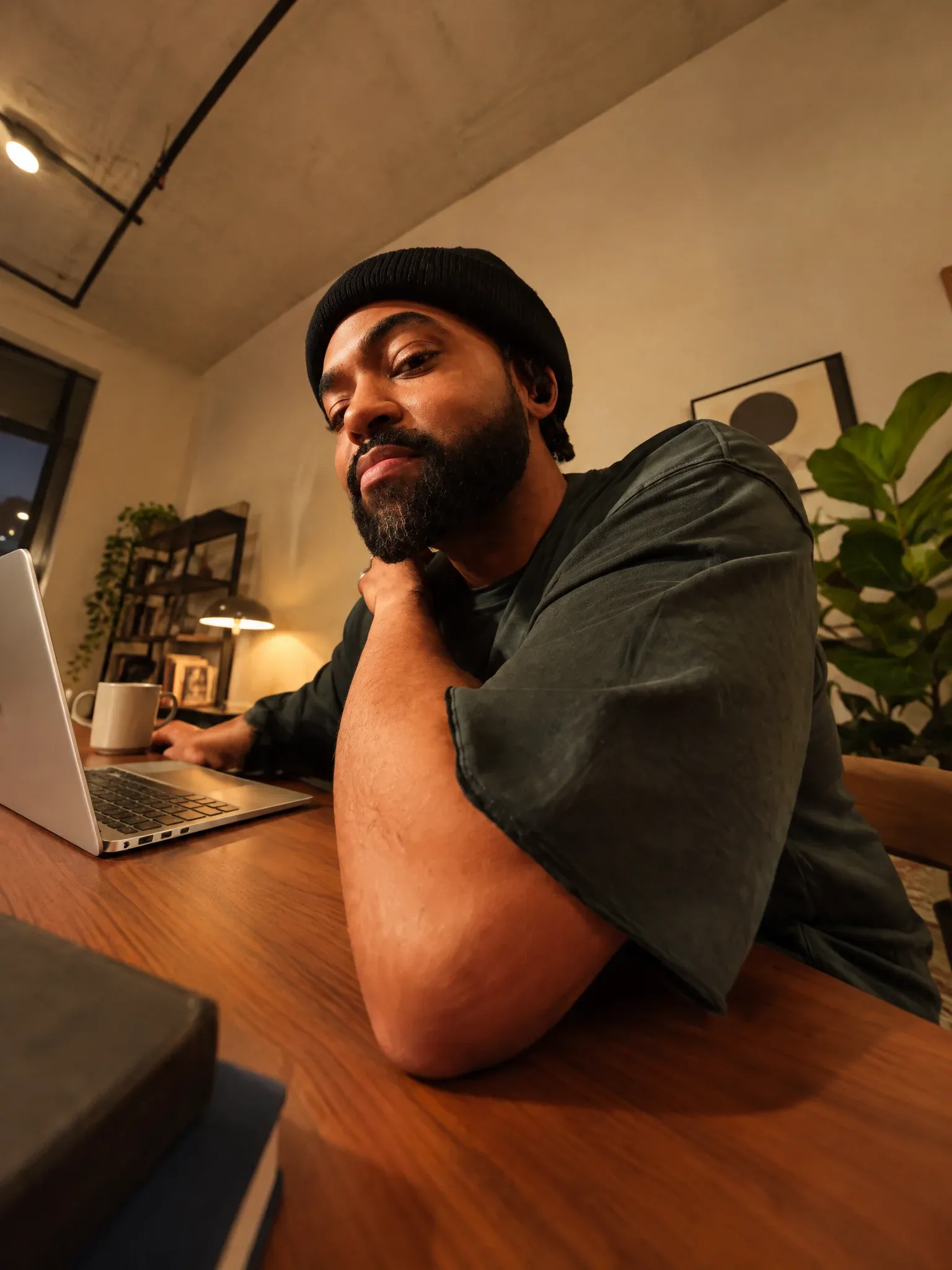 | 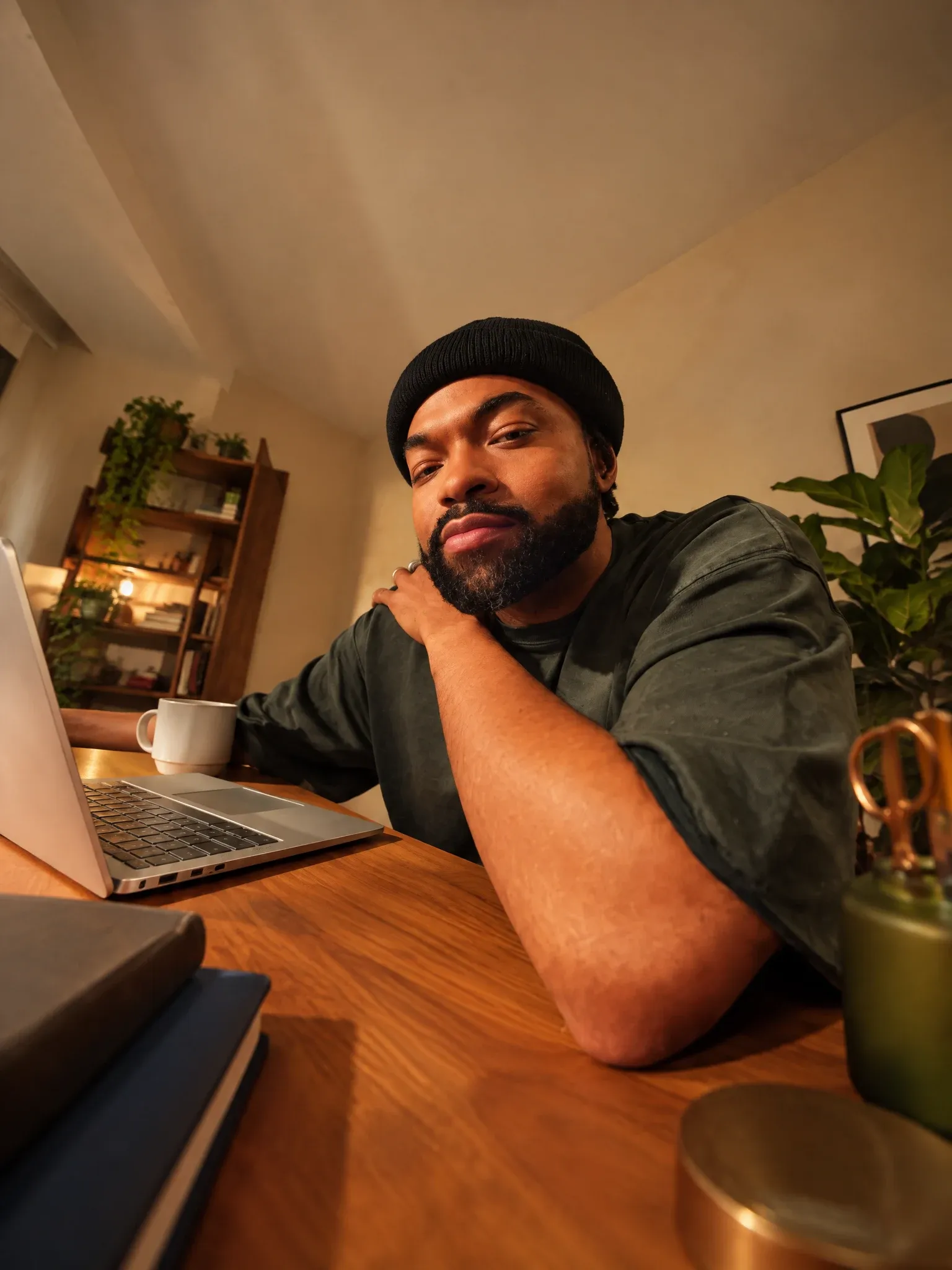 |
| The shots | 15 Oct, 13 mm | 21 Oct, 14 mm | 27 Oct, 11 mm | 1 Nov, 13 mm | 1 Nov, 13 mm |
|---|---|---|---|---|---|
| AnglesThe splat sentThe camera and the lens, set by hand | 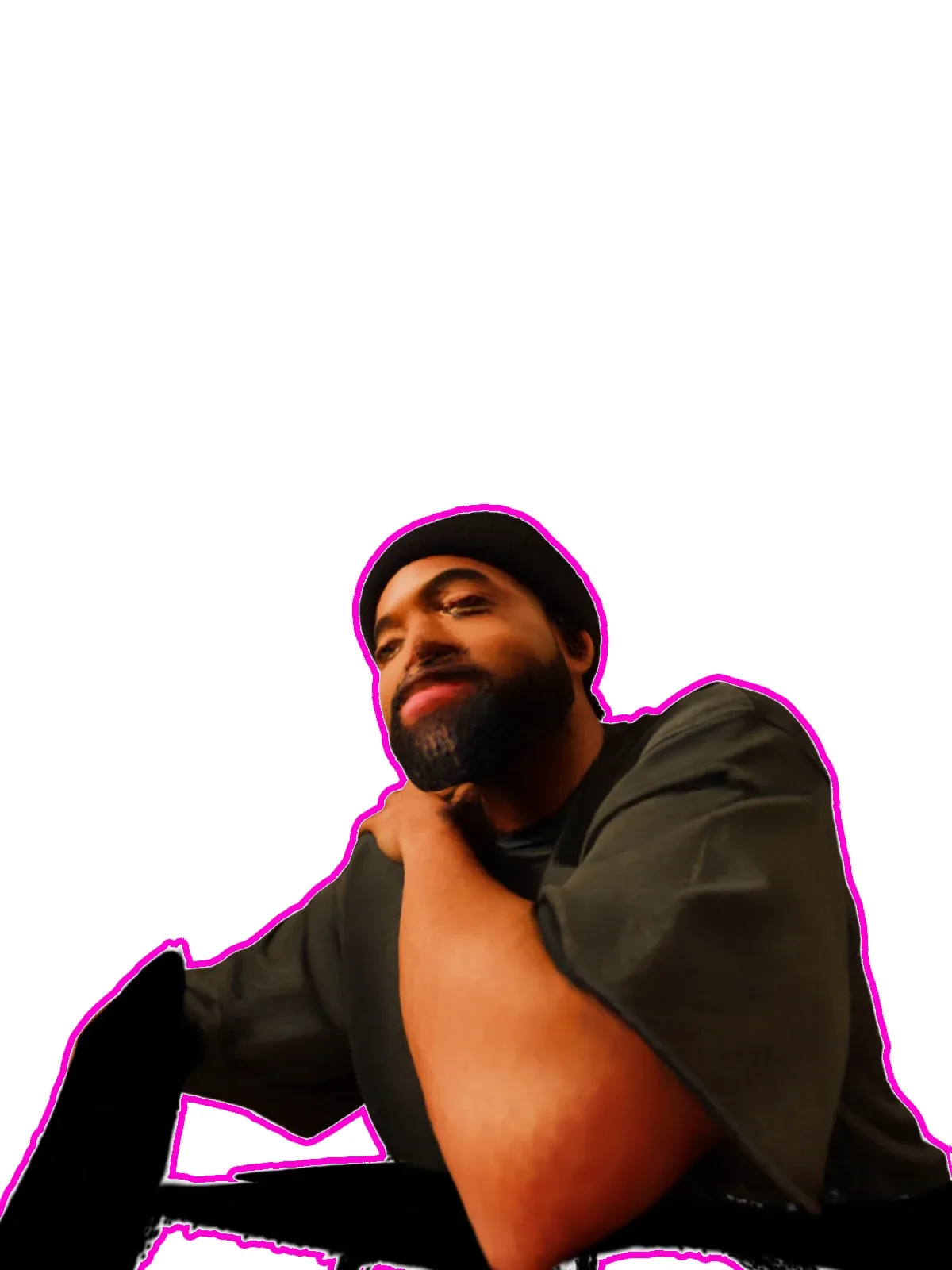 | 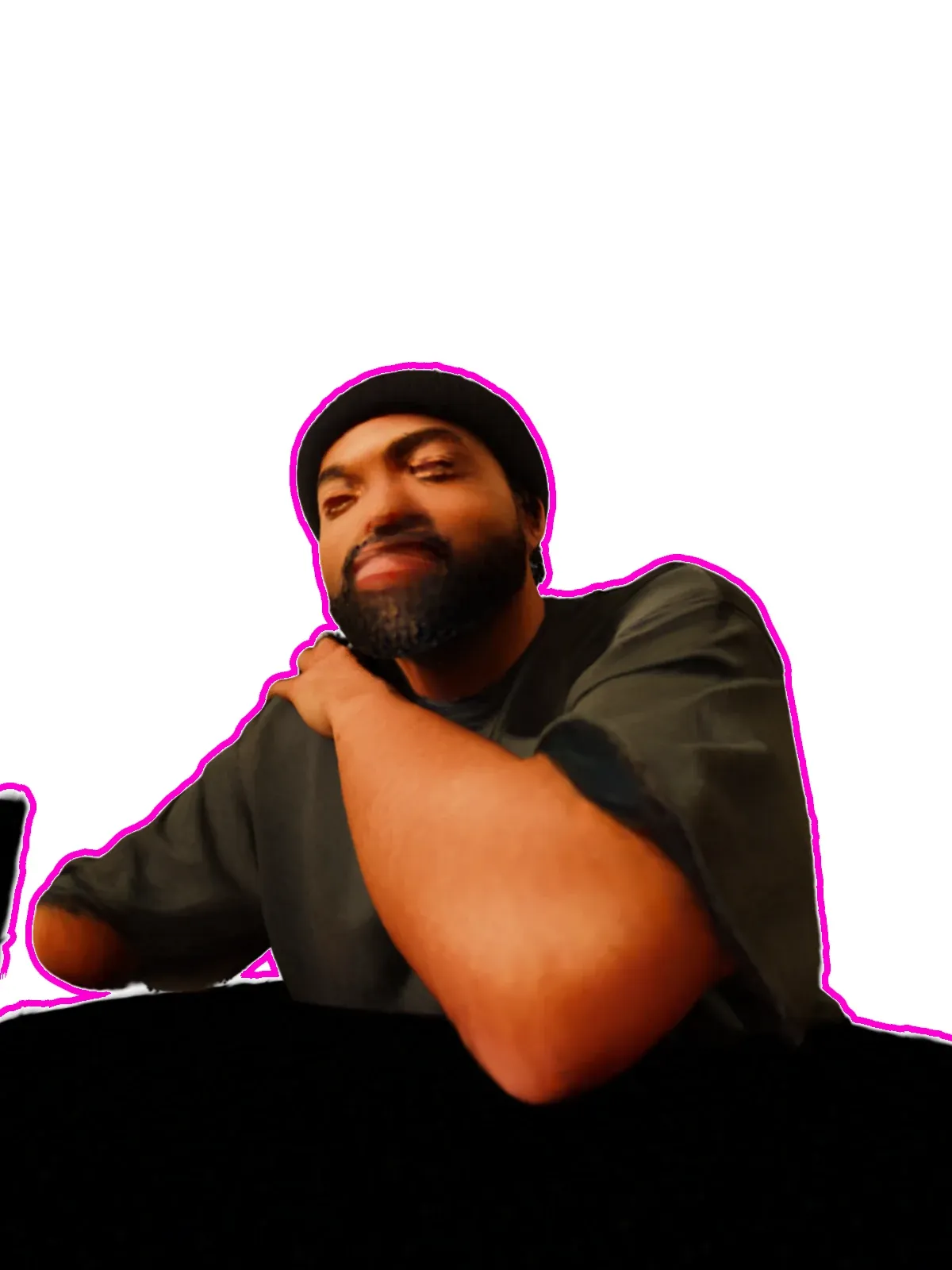 | 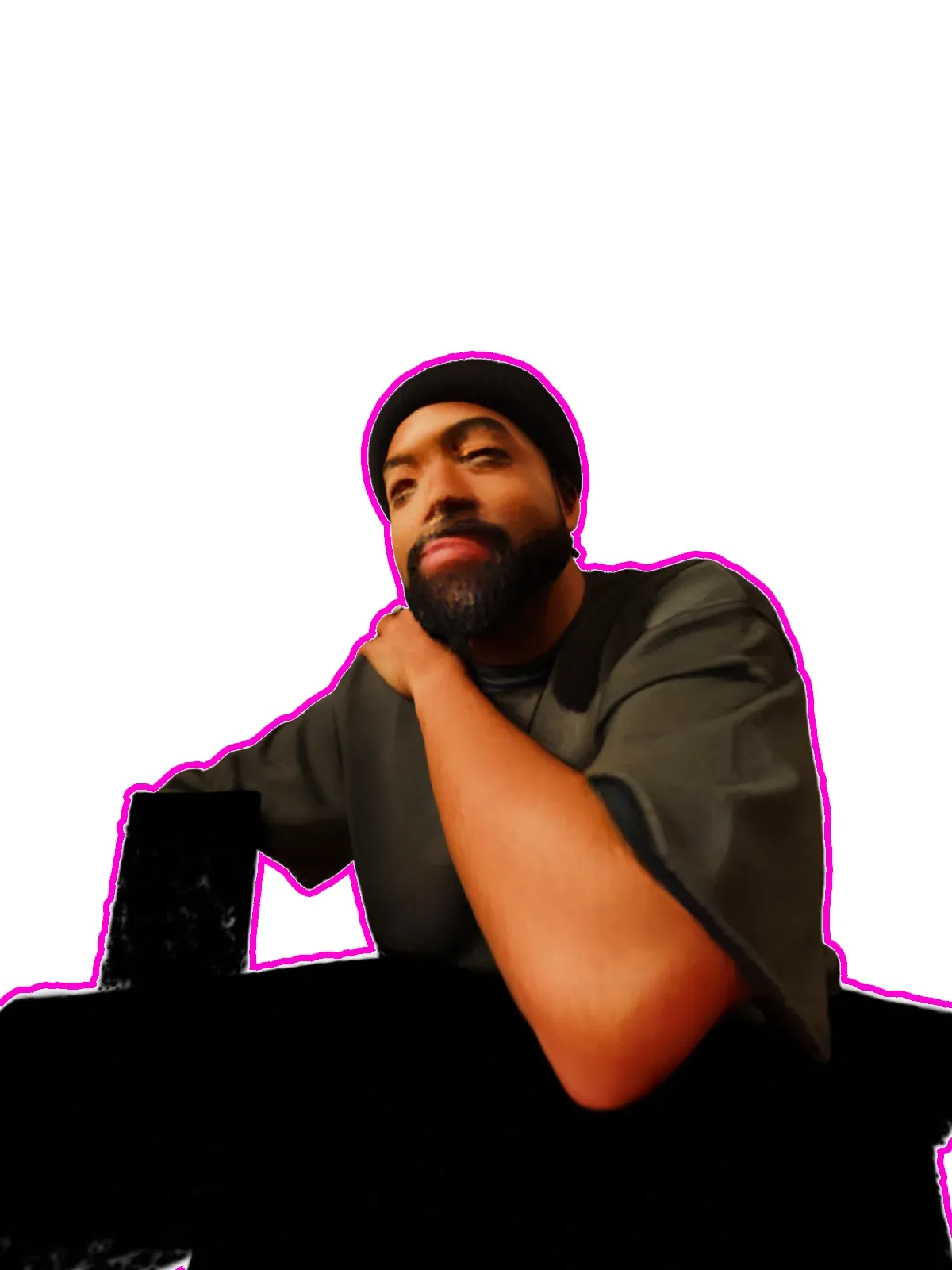 | 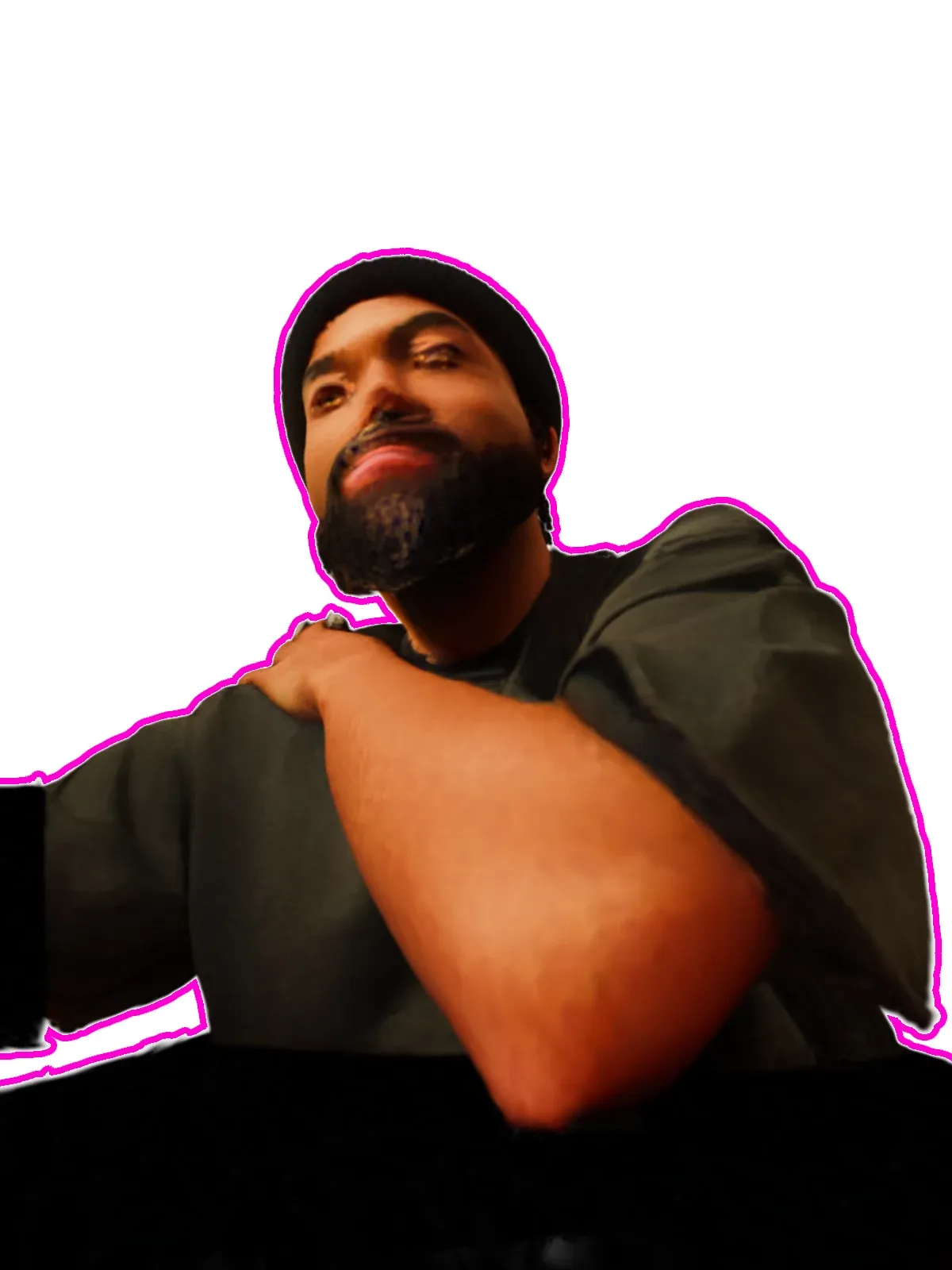 | 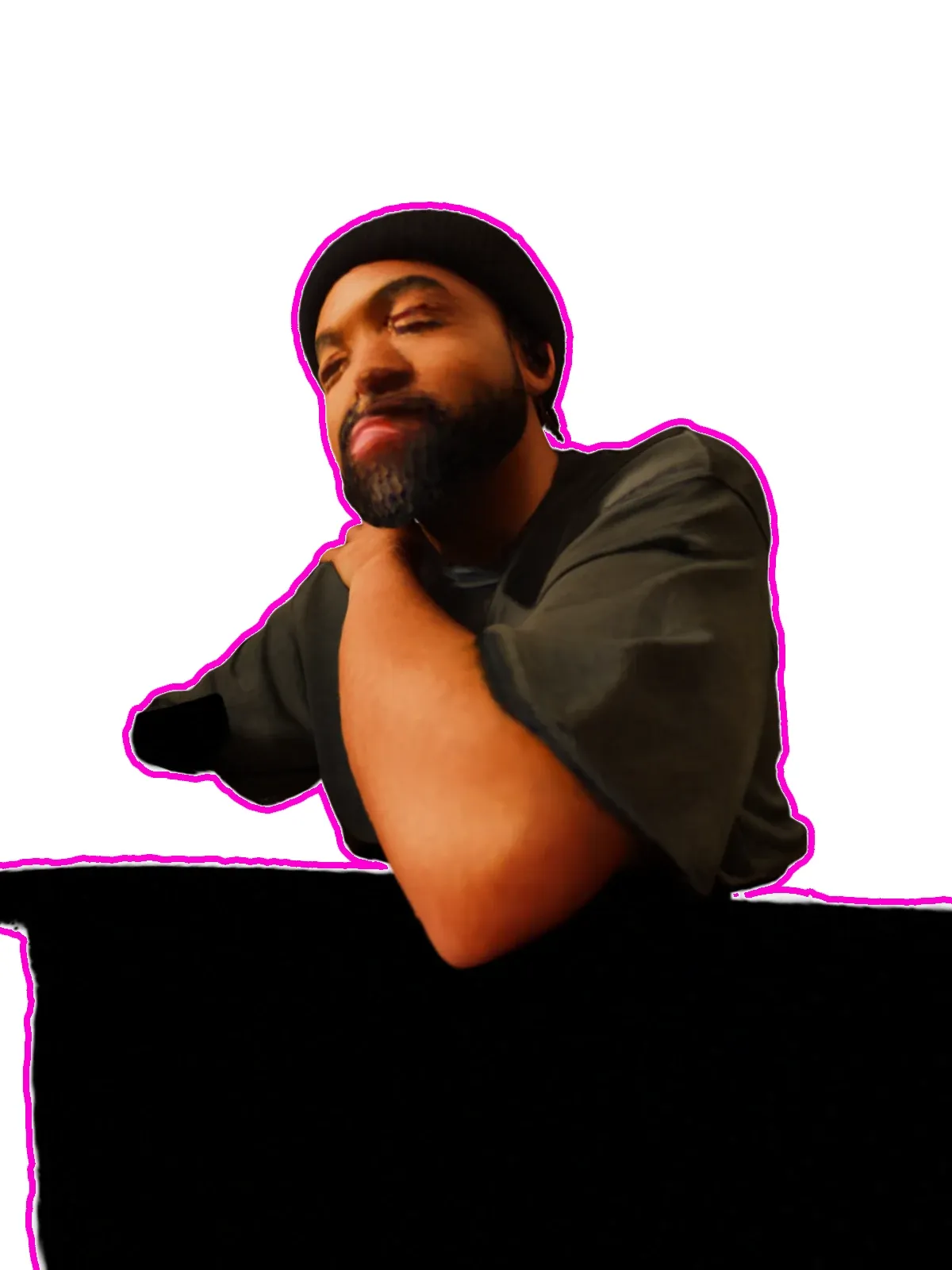 |
| GPT Image 2.5What came back | 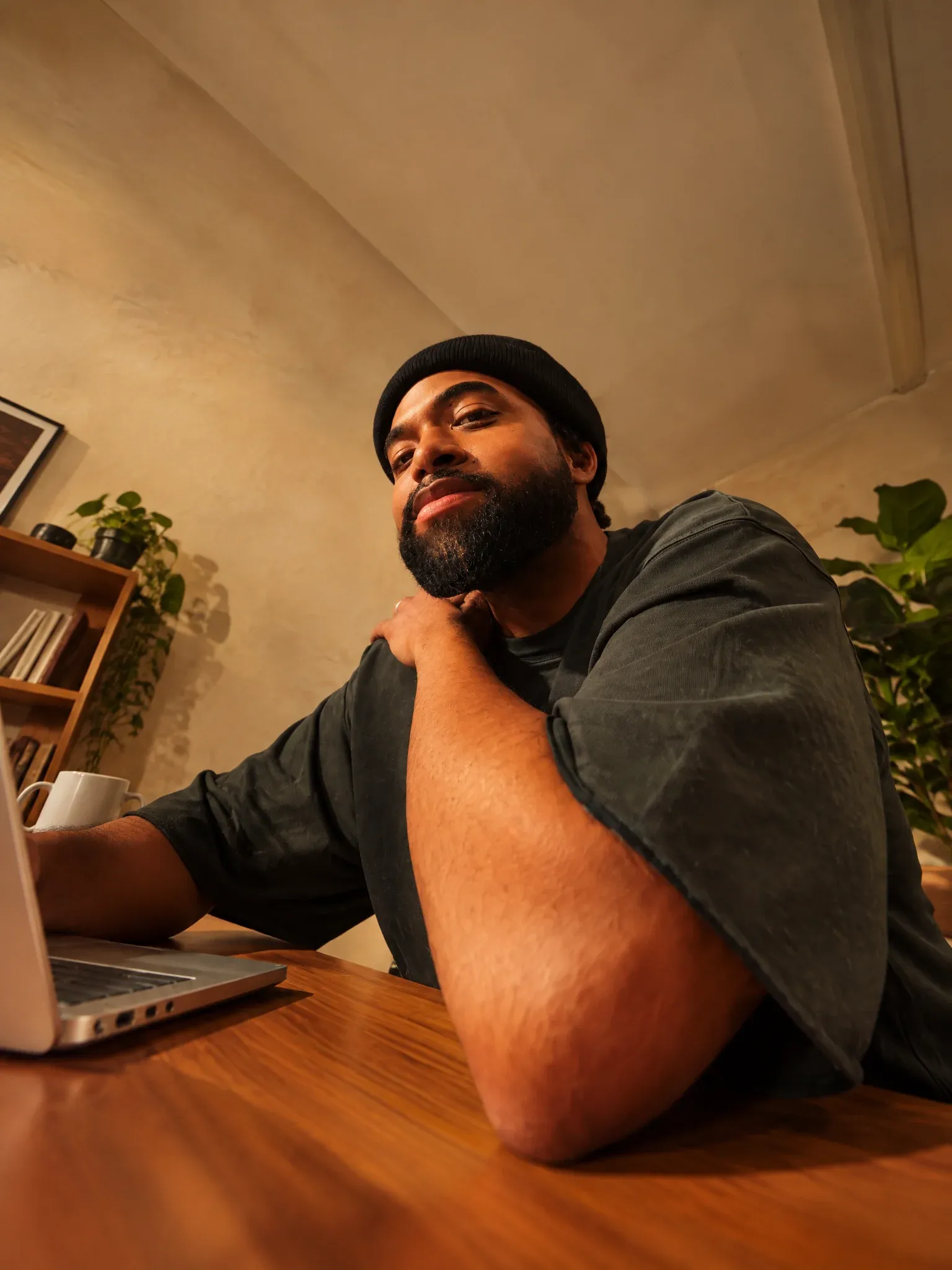 | 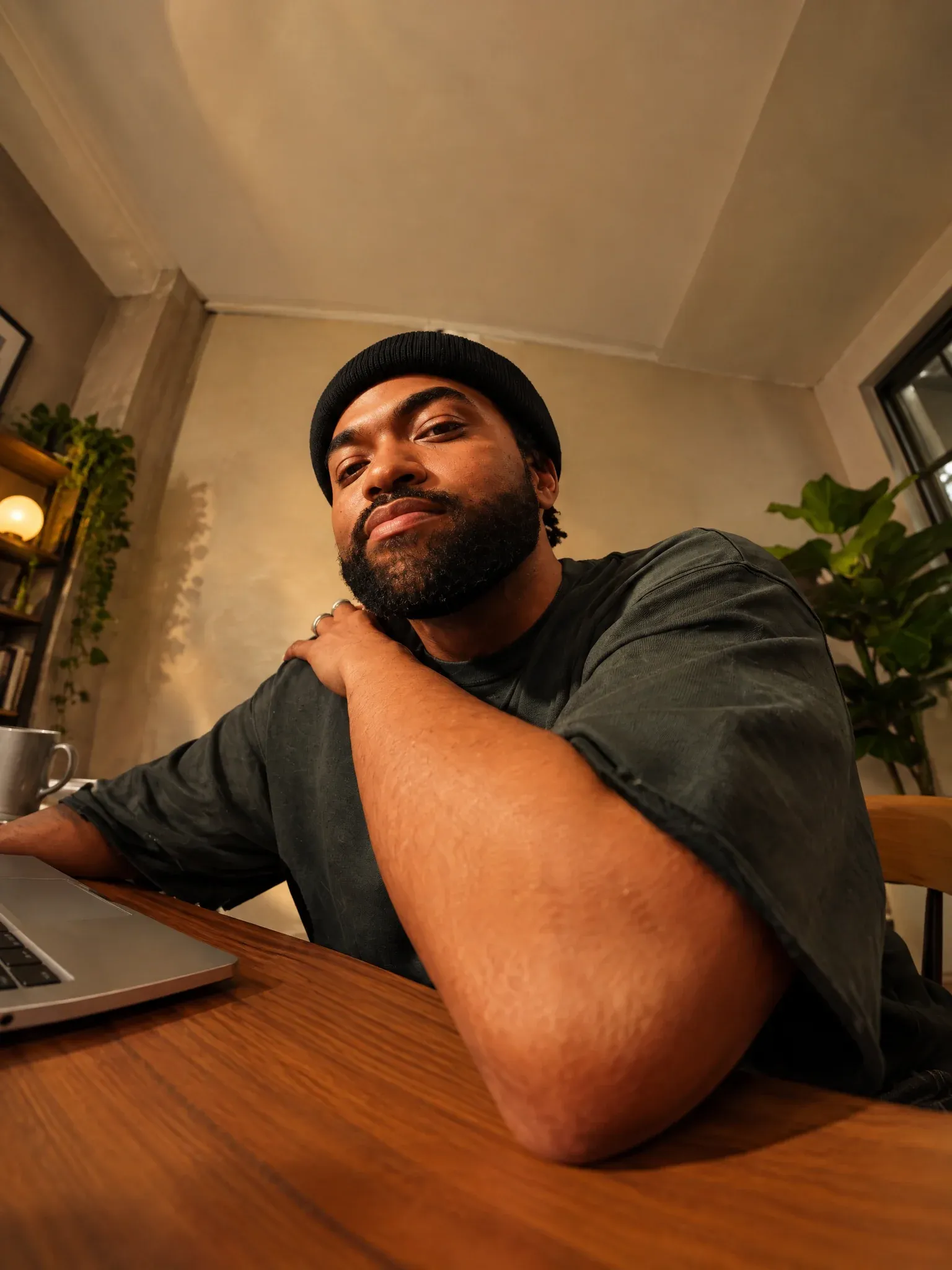 | 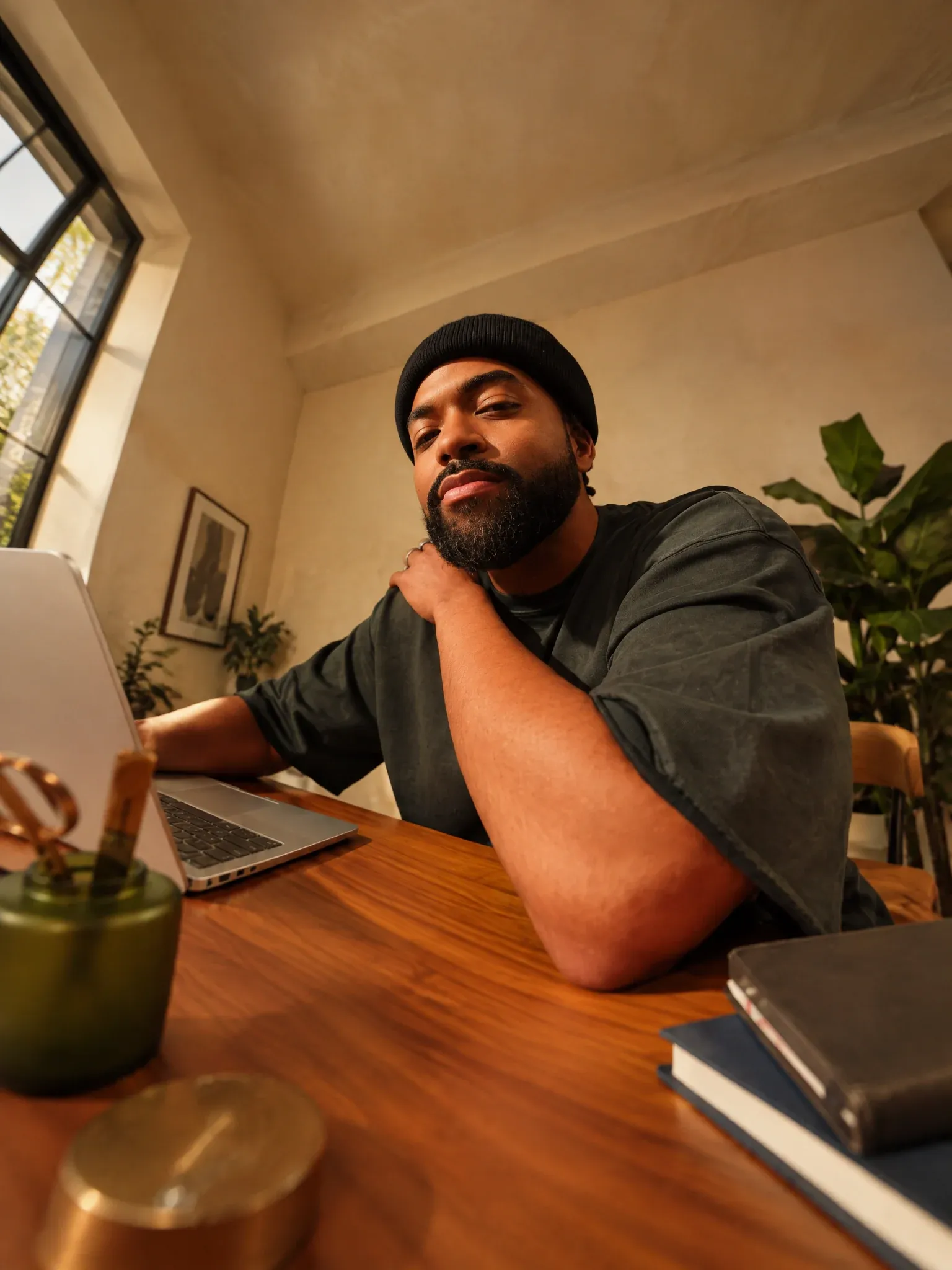 | 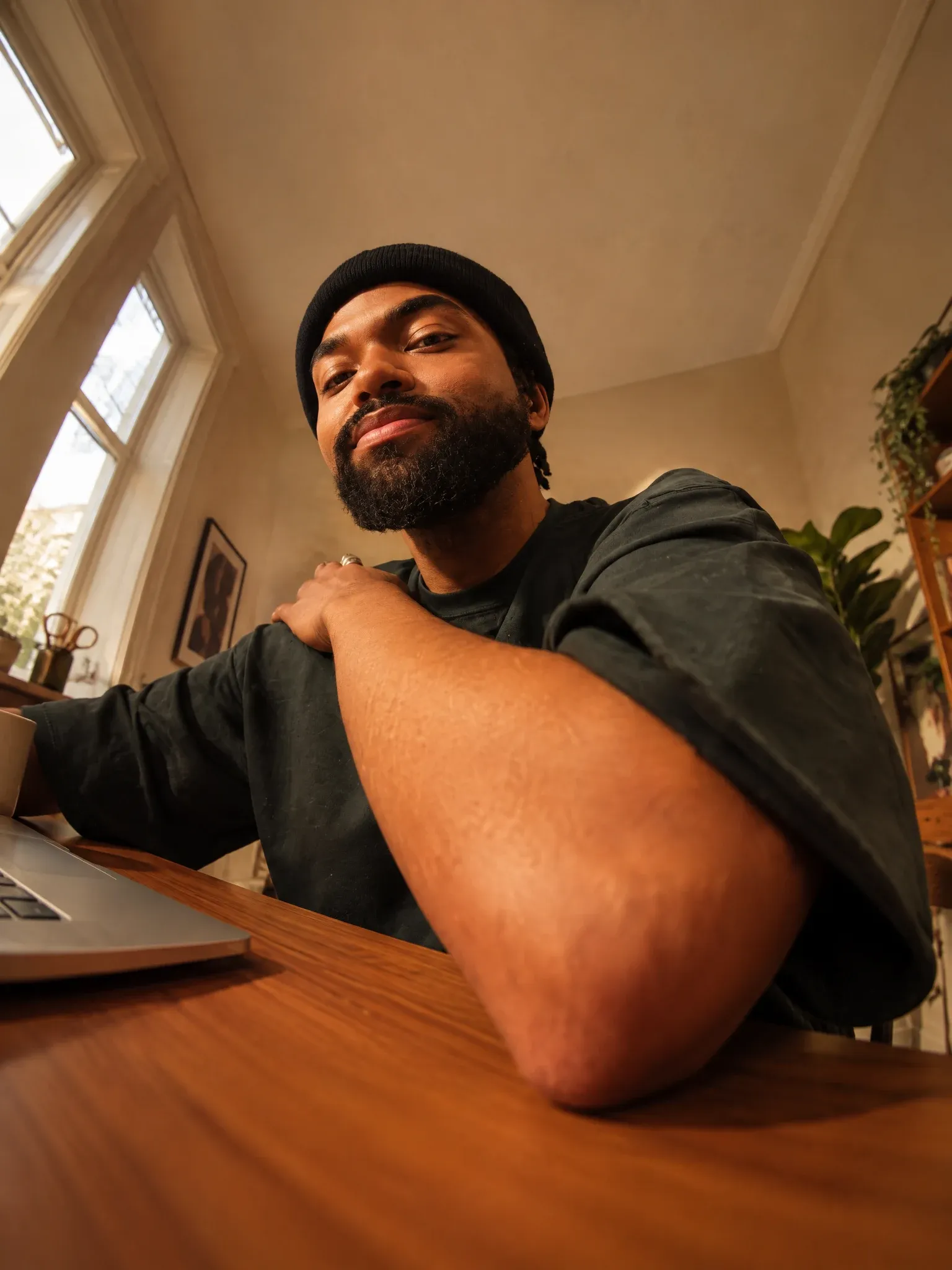 | 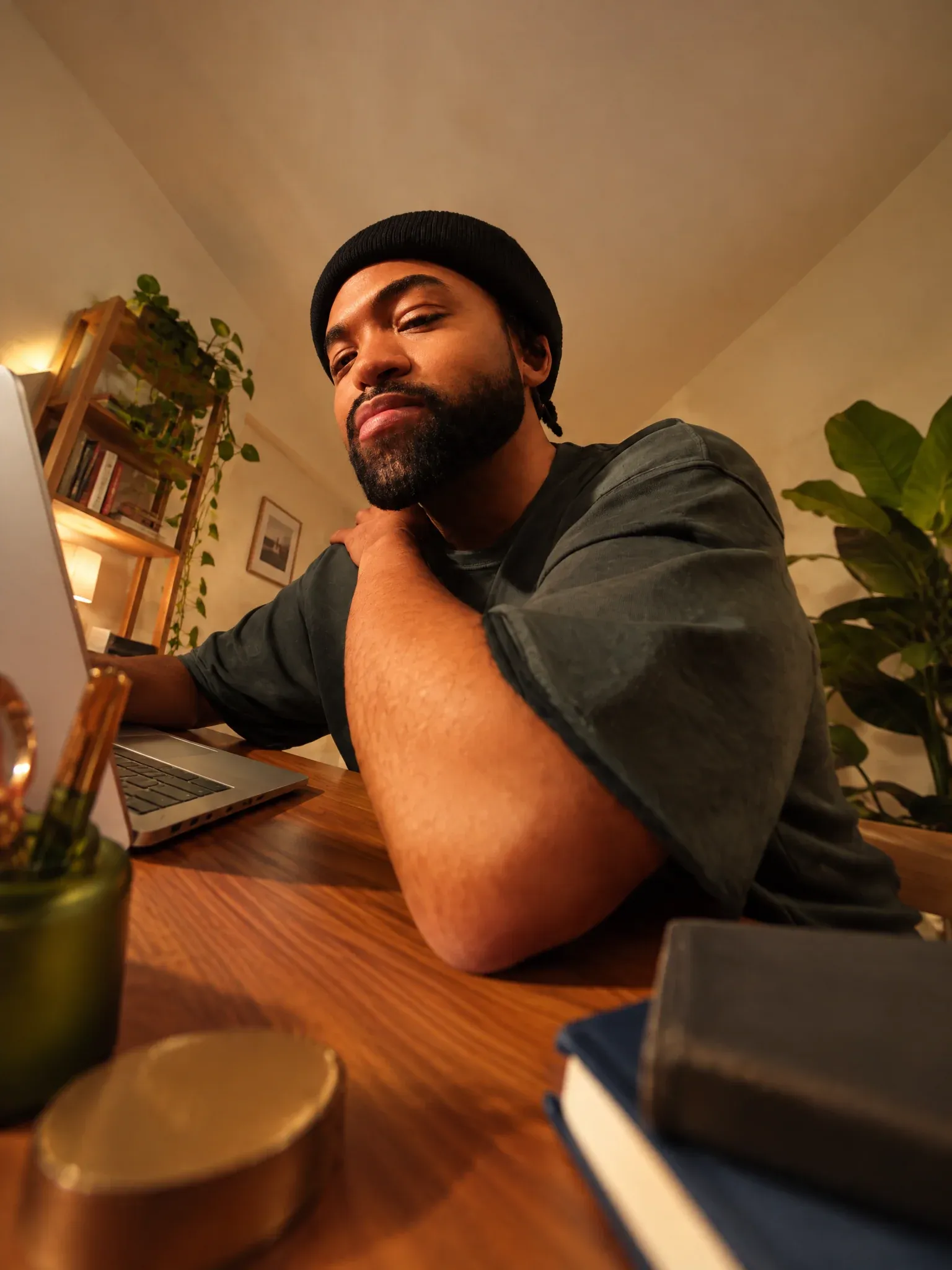 |
Three image models
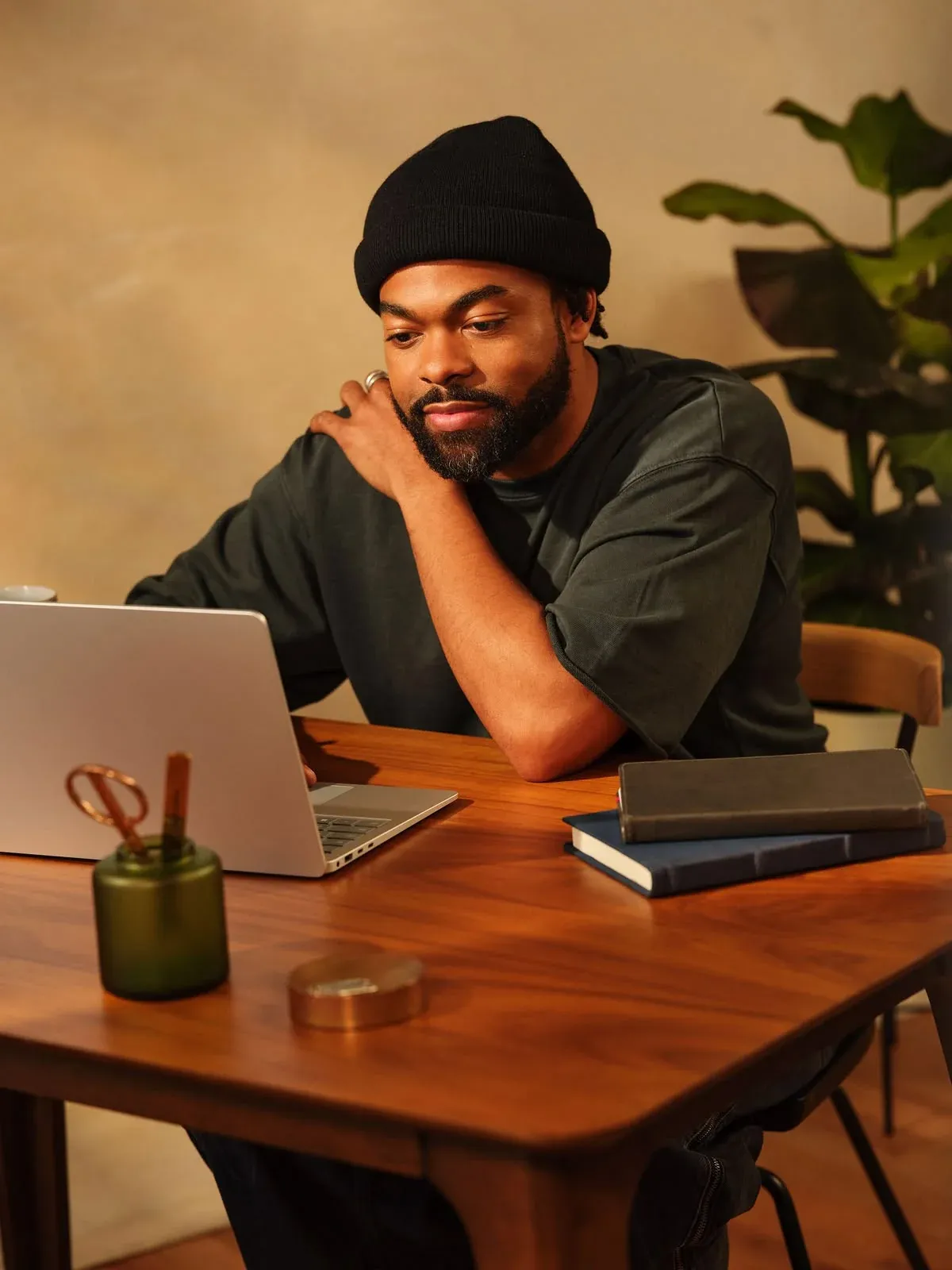
On 5 November the Angles tools moved from GPT Image 2.5 to GPT Image 2.6. To see what the model changed on its own, we ran five of the runs above again with the same photo, the same splat view and the same instructions, at the same medium quality. Three of the five changed in ways you can see: the box stands as tall in the frame as its outline, the moth comes in as close as the view asked for, and the portrait takes more of the 11 mm curve. The teapot and the dog came back close to their first results.
We also sent those three to Seedream 5.5, with the same two pictures and the same words, at 2K. On the box and the portrait it keeps the subject and the light but moves the camera less: the box comes from higher, and the portrait stays at eye level without the curve. The box's small print also comes back misspelled. On the moth it came in as close as the view asked, and it read the word "photograph" in the instructions literally, so the drawn moth became a photographed soft toy. A few runs per model is a first look, and we'll keep comparing as the models change.
The splat sentThe view all three were given, at 14 mm GPT Image 2.5A little short of the outline's top 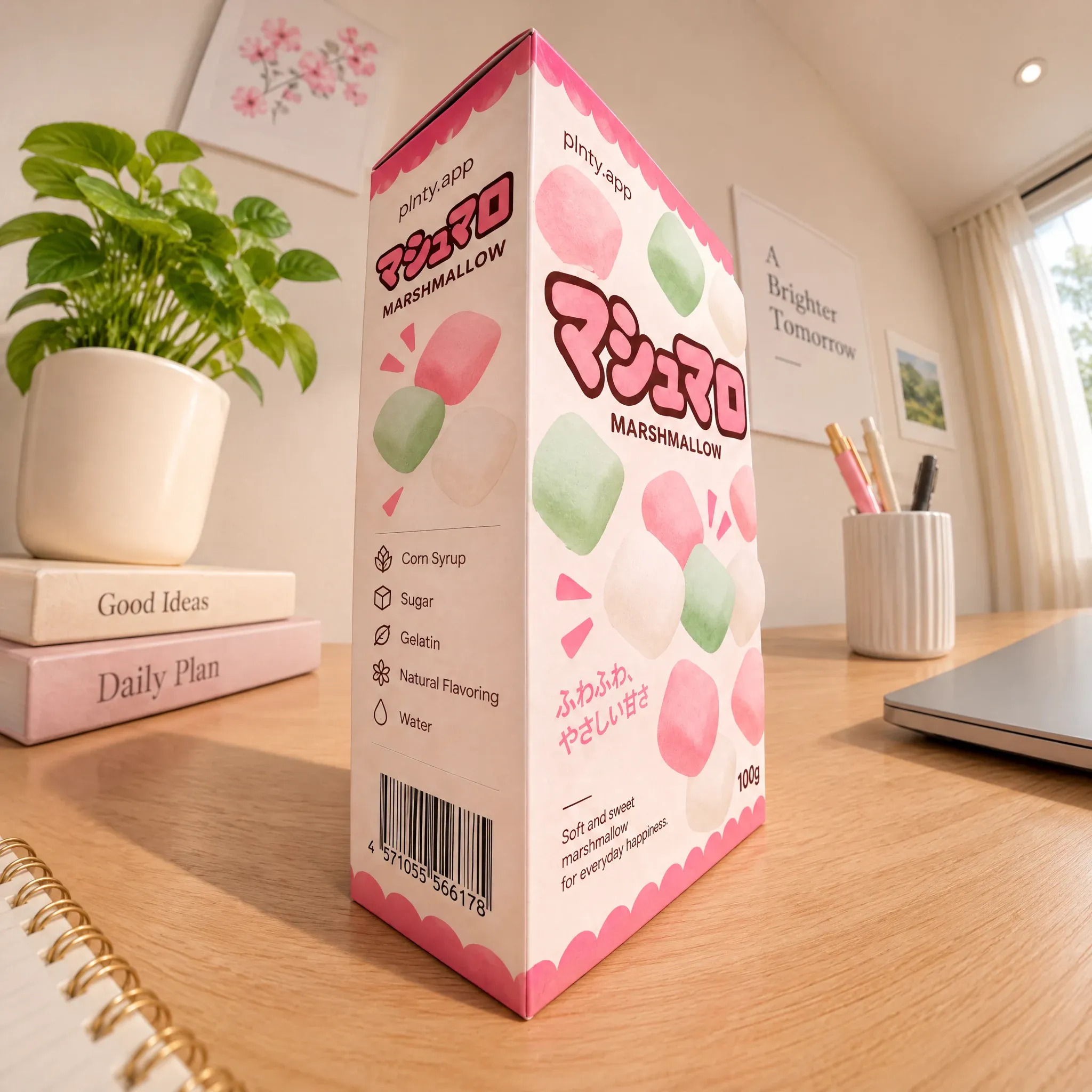
GPT Image 2.6As tall as its outline, the print sharp 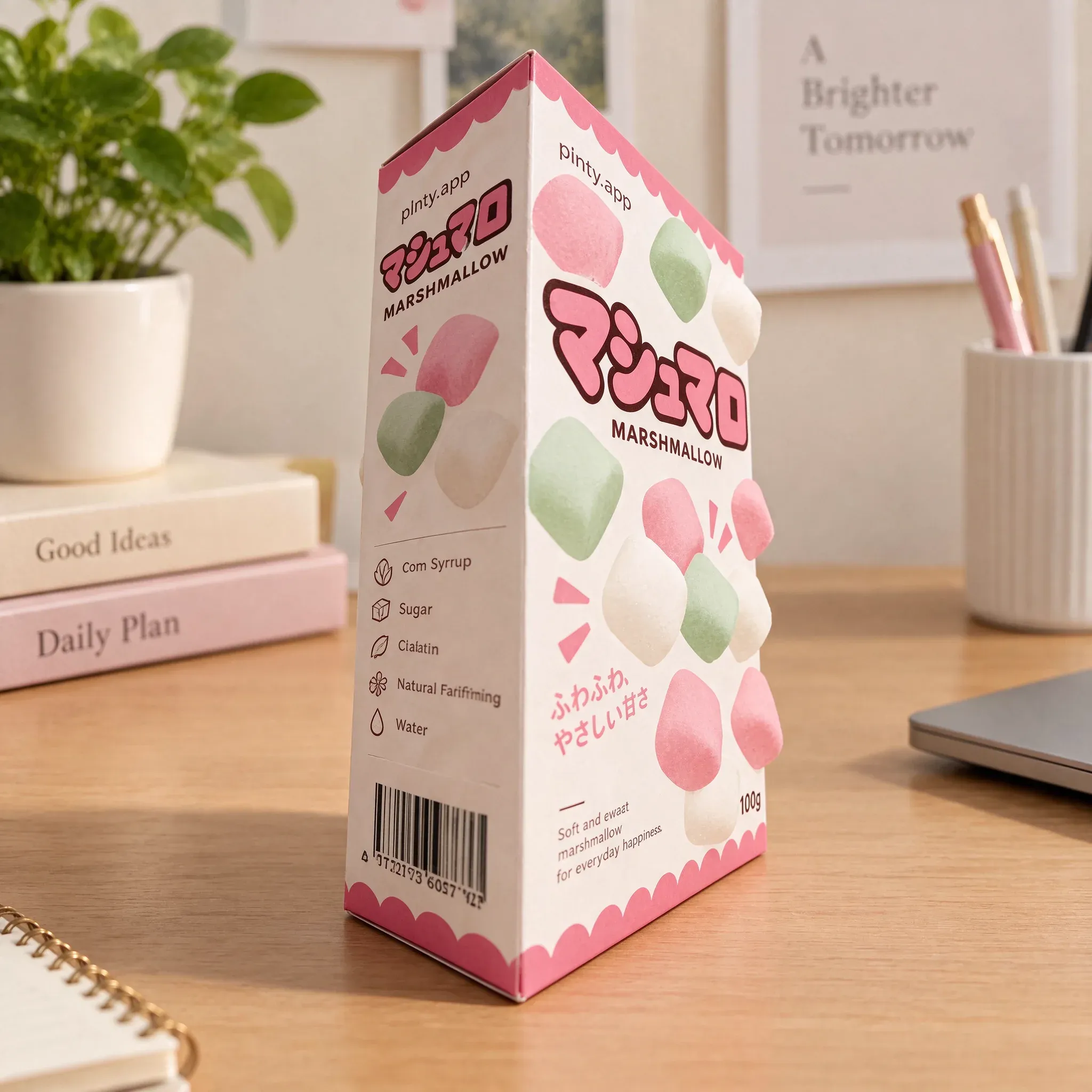
Seedream 5.5From higher than the view, the small print misspelled
The splat sentThe view all three were given, at 14 mm GPT Image 2.5Further back than the view 
GPT Image 2.6As close as the view, the horizon bending with the lens 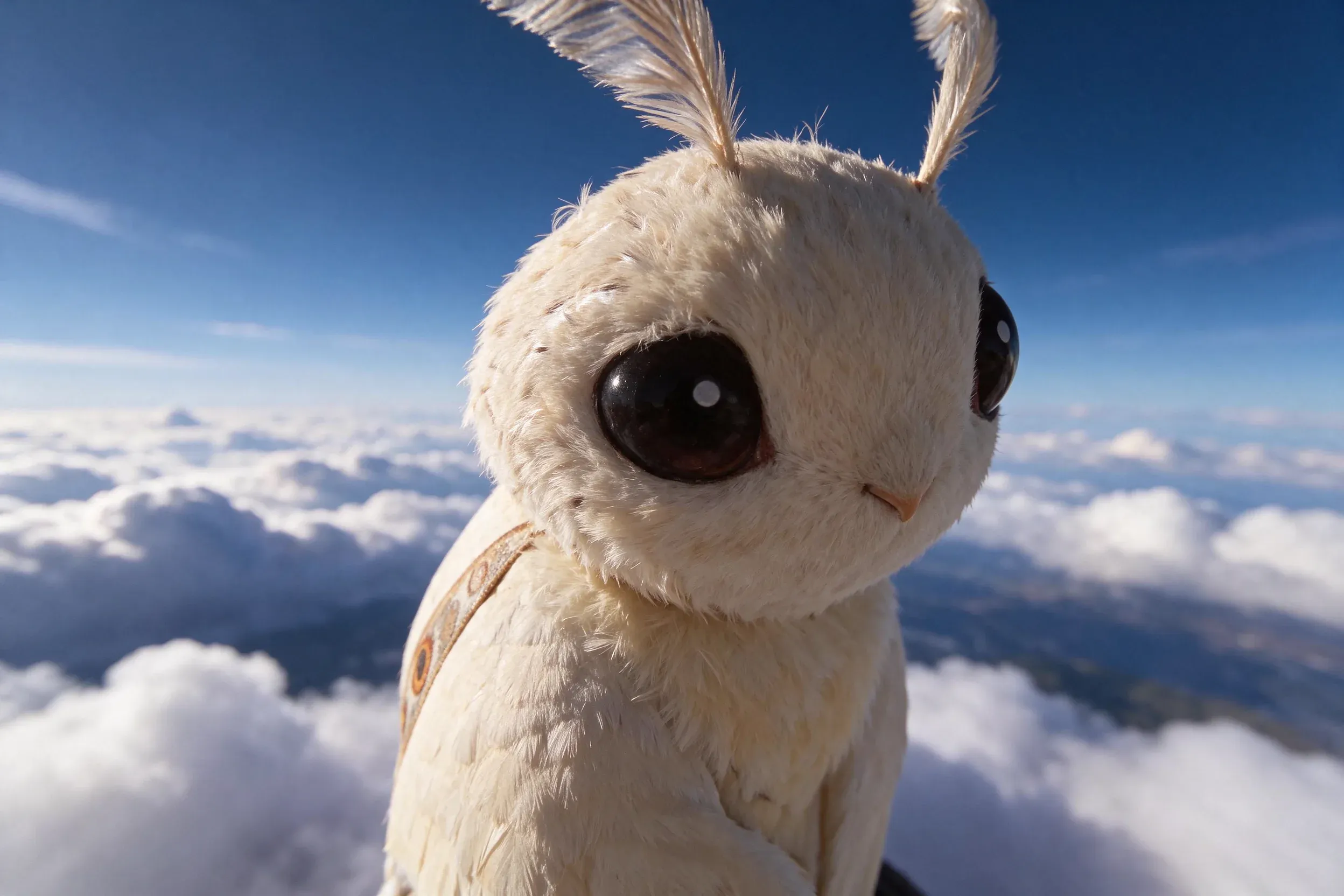
Seedream 5.5As close as the view, made a photographed soft toy
The splat sentThe 27 October view all three were given, at 11 mm GPT Image 2.5Low, with a gentle curve 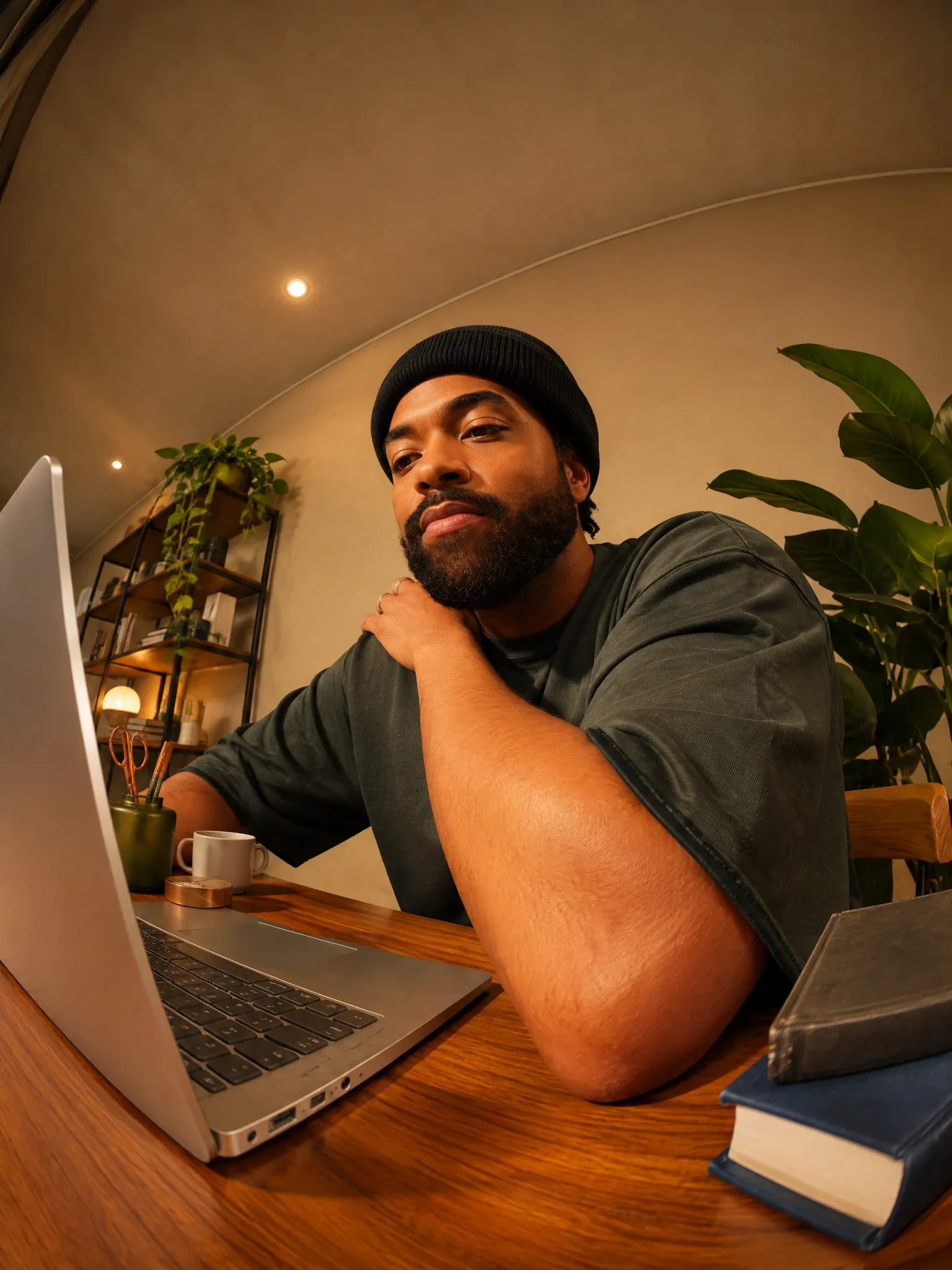
GPT Image 2.6The laptop and the walls bend toward the edges, as an 11 mm lens would 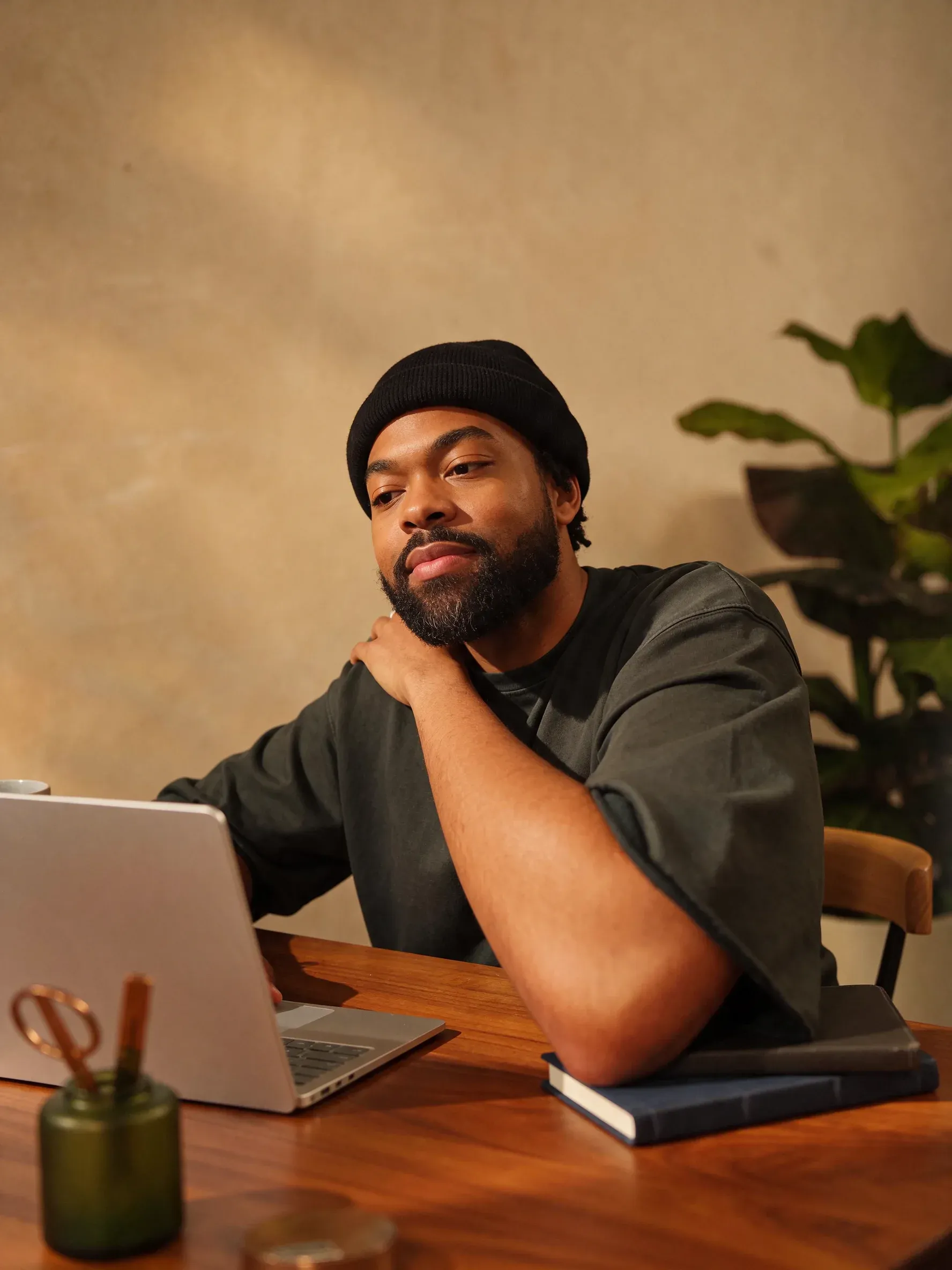
Seedream 5.5The man and the light kept, from eye level with no curve
Sources and methodology
Where the facts come from. The session, the tests and the counts described here come from Plnty's own records and from our notes while building the tool. Each test is one run or a small set of runs, as the text says. The counts leave out the Plnty team's own accounts.
How we got here. The tool started on 22 August 2026 as a card that turns a photo into a splat you can orbit, with a 10 to 50 mm lens on its camera. Its first capture sent the splat on the viewport's grey, and in a test that day a full profile came back at the photo's three-quarter angle. The same day the capture became the splat on white with a magenta outline, the instructions started naming the lens in words, and the result took the photo's own shape. Two days later a portrait showed that 65,536 Gaussians were enough for a stone house and too few for a face, so the count went up. On 10 September the card settled on one model, GPT Image 2.5, on 29 September it joined the six-view tool as Angles, and on 5 November the model under it became GPT Image 2.6.
One run, end to end. Take the marshmallow box at the top of this post. Hezi built its splat from his picture two minutes before the run, then lowered the camera, brought it in close and set the lens to 14 mm. The capture was the splat on white with a magenta outline, square like the picture. Both images went to GPT Image 2.5 at medium quality with instructions that give each one a job: the photo is the only source for what the box is, its print, materials and light; the splat view is a camera diagram whose outline the result has to land on; the room continues around the new angle; and a lens line asks for the stretch of a 14 mm. It cost 11 credits and came back at 2048 by 2048 pixels.
What we added. Adobe's Rotate Object also turns a subject with a rough reconstruction, inside Photoshop. Ours splits the job in two: the splat sets the camera and the photo sets everything else, so the splat can stay rough. The outline gives the model a silhouette to check its answer against, and the lens and the photo's shape travel with every run. The splat stays in the library, so the same set can be shot again.
The pictures in this post. They are runs the team made in Plnty, each shown as the picture it started from, its splat, the view it sent to the image model and the result. We rendered the splats for this post with Spark, the renderer the app uses, and the ones that move, at the top and further down, are drawn live in your browser. A point cloud draws four in ten of the splat's visible Gaussians as dots, seen from the camera of the view its run sent; the runs keep no camera, so we found each one by rendering the splat the way the app does and matching it to the view sent. The GPT Image 2.6 and Seedream 5.5 results were made on 22 November through Plnty, from each run's own photo, splat view and instructions, the GPT ones at medium quality and Seedream's at 2K.
About the author

Place the camera on your own photo
Open Angles on a board, add a photo and choose One angle.